36 x 48 inch research poster: size, layout and template
A 36 x 48 inch poster is 36 inches wide and 48 inches tall, so it is a portrait poster. It is the vertical twin of the common 48 x 36 landscape format and is often requested when boards are tall and narrow, for example on easels, in hospital corridors and at some clinical meetings.
The button below opens the editor already set to 36 x 48 in. Every template reflows to the portrait shape, and the download is an editable PowerPoint file at the real size.
Open a 36 x 48 in poster · All templates
36 x 48 at a glance
| Width × height | 36 × 48 in (91.4 × 121.9 cm) |
|---|---|
| Orientation | Portrait |
| Aspect ratio | 3 : 4 (0.75) |
| Area | 12 sq ft (1.11 m²) |
| PowerPoint | Fits the 56 in slide limit, so it opens at full size |
| Nearest ISO size | A0 portrait (33.1 × 46.8 in) is about 3 in narrower |
Templates that suit 36 x 48
-
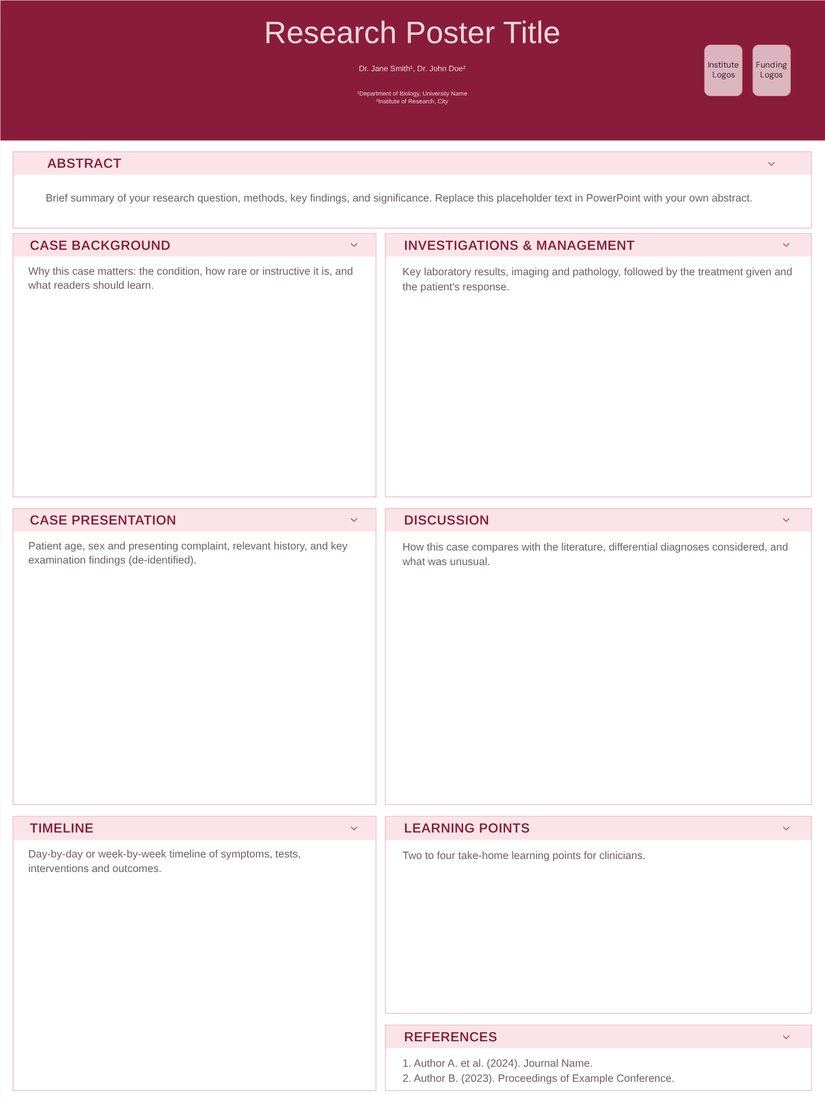
Case Report (Free)
Rendered at 36 x 48. Two columns with a timeline box, which matches how clinical case posters are read top to bottom.
Open Case Report -
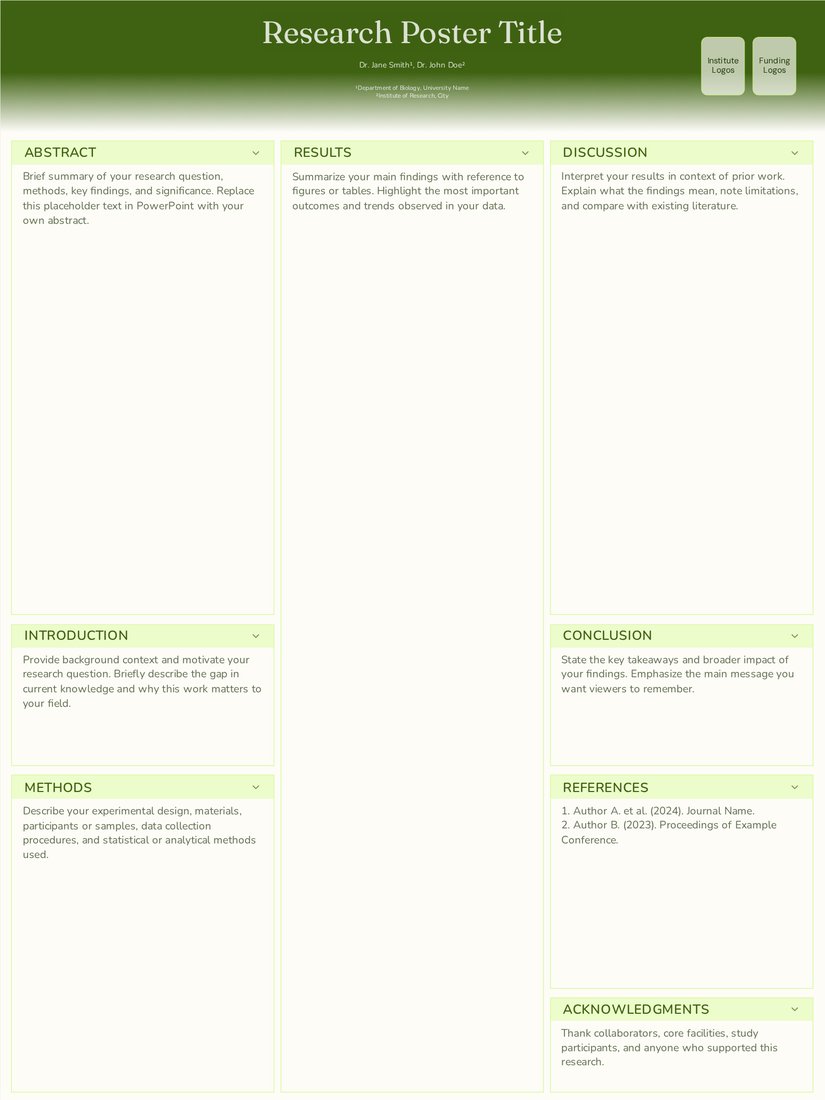
Field Ecology (Free)
Rendered at 36 x 48. Three columns with a full-height centre for a site map and results.
Open Field Ecology -
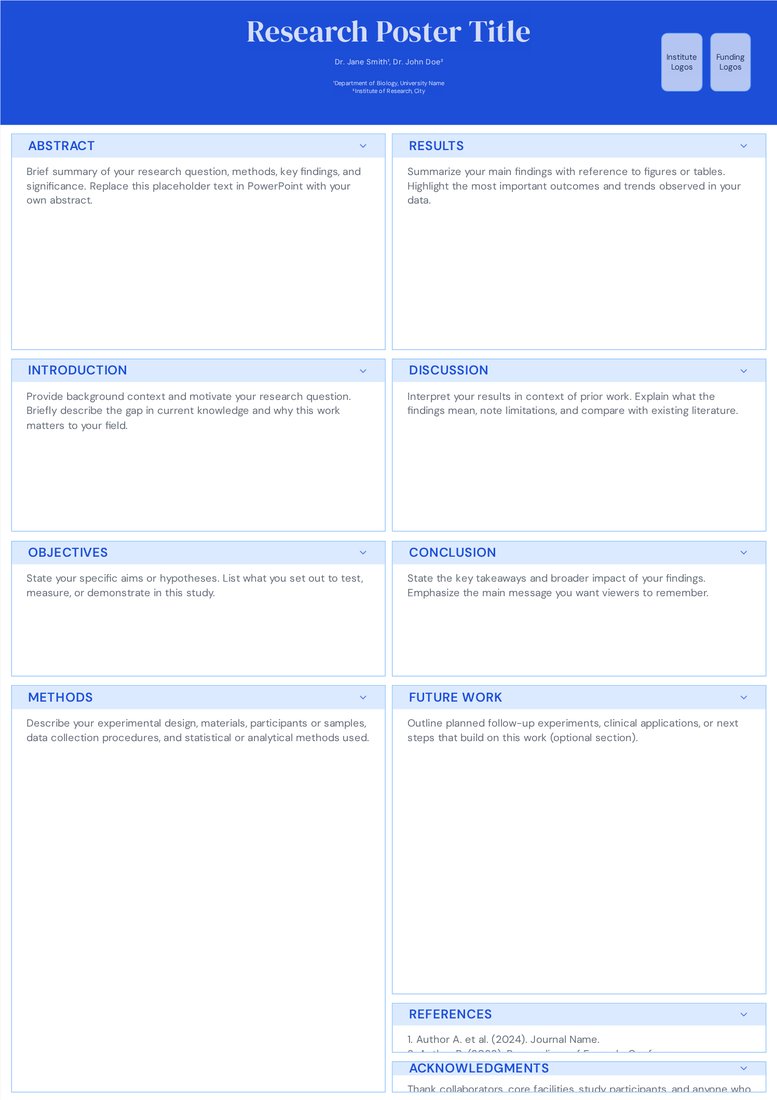
Classic Academic (Free)
Two wide columns. Switch to three in the editor if you have many small figures.
Open Classic Academic
When a conference asks for 36 x 48
Portrait boards are common where space is tight: corridor displays, research days in hospitals, and meetings that mount posters on easels or tall panels. If the call for posters says "36 inches wide by 48 inches high" or shows a vertical board, this is your size.
Watch the order of the numbers. Printers and most US meetings give width first, so 36 x 48 is portrait and 48 x 36 is landscape. If the instructions only give a maximum, 36 x 48 fits any board that is at least 3 ft wide and 4 ft tall.
Layout advice for a tall poster
- Use two columns for text-heavy work or three for figure-heavy work. Four columns at 9 in wide are too narrow for most charts.
- Keep the key result in the top half. On a 48 in tall poster hung on a standard board, the bottom section sits below most people's eye line.
- Put references, acknowledgements and the QR code in the bottom strip, where readers only look if they are interested.
- Give the title two lines at most. A 36 in wide header fits roughly 40–50 characters per line at 90 pt.
Fonts and printing
Use the same type sizes as A0: title 85–110 pt, section headings 40–56 pt, body 24–32 pt. Figures need lines at least 2 pt thick and axis labels of 24 pt or more to read from 2 m.
36 x 48 prints on a 36 in roll with no trimming, which is standard at most poster printers and university print shops. Export your PDF at the real size; do not design on a small slide and scale it up.
Frequently asked questions
Is 36 x 48 portrait or landscape?
Portrait. The first number is the width (36 in) and the second the height (48 in). The landscape version is 48 x 36.
What is 36 x 48 inches in centimetres?
91.44 × 121.92 cm, usually rounded to 91 × 122 cm.
Can I use an A0 template for a 36 x 48 board?
An A0 portrait poster (84.1 × 118.9 cm) fits on a 36 x 48 board with a small margin, but it will not fill it. In the editor you can switch to 36 x 48 and the layout reflows to fill the space.