Research Poster Maker: An Online Editor Built for Posters
PosterScientist is a browser-based editor made only for academic posters. It is not a general graphics app with a few poster templates bolted on: the canvas, the layout engine and the exporters all assume you are producing a large-format research poster that will be pinned to a board.
This page explains what the editor does and how a typical session goes, from blank canvas to print-ready file.
Open the editor · Compare Free and Pro
Two designs to try the editor with
-
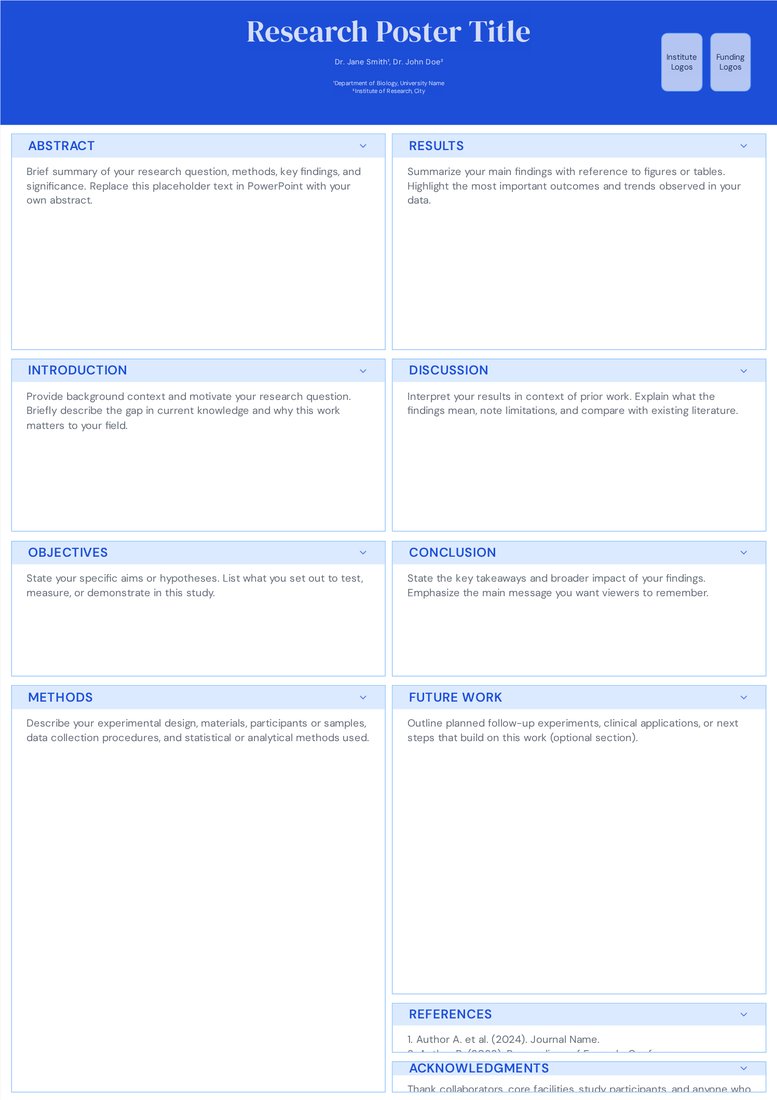
Classic Academic (Free)
Free. A good first test of the editor: switch between 2, 3 and 4 columns and watch the sections repack.
Open Classic Academic -
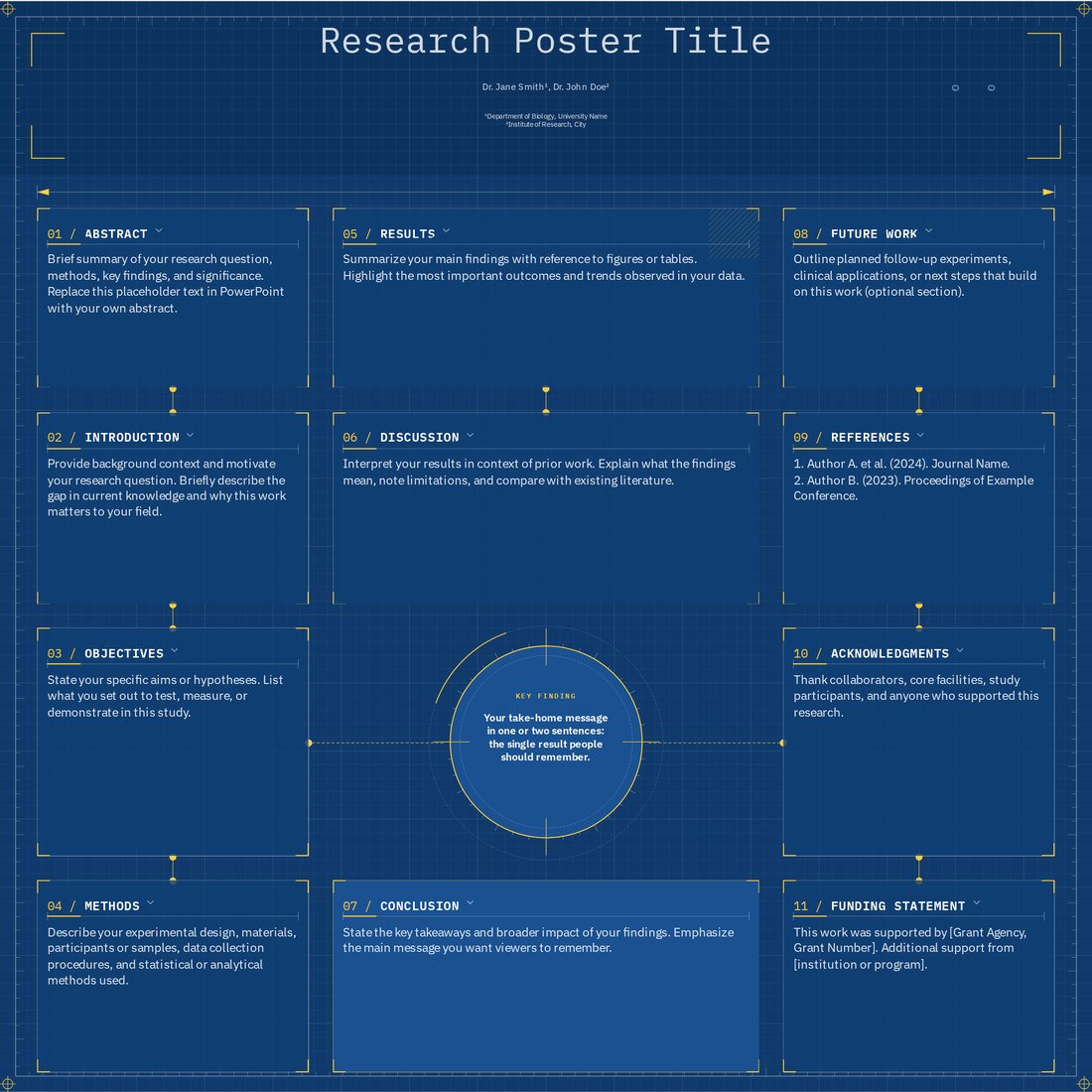
Blueprint (Pro)
Pro. Shows off connector lines that stay attached to sections while you drag them around the canvas.
Open Blueprint
The layout engine
Every poster is a set of sections placed in columns. When you add a paragraph, drop in a figure or delete a block, the engine repacks the column so nothing overlaps and gaps close up. You never drag text boxes pixel by pixel or fix collisions by hand.
Sections can be moved between columns by dragging their header. You can change the column count at any time, give one column more width than the others, or switch on independent heights so each column keeps its own rhythm instead of stretching to match its neighbours.
Canvas sizes
The size panel offers the ISO A0, A1 and A2 formats in portrait and landscape, more than twenty North American inch sizes from 24 x 36 to 96 x 48, square formats such as 42 x 42, and a custom width and height anywhere from 10 to 500 cm. Changing the size rescales type and reflows sections, so you can resize late without starting again.
Typography and colour controls
- Font pairings for headings and body text, with sizes that scale automatically when the poster dimensions change
- Colour themes per template, plus a randomise button for quick exploration and an undo history if you go too far
- Header options: title alignment, author and affiliation lines, and logo slots for institutes and funders
- Section styles that differ by template, from plain ruled boxes to pill labels, cut corners and curved cards
Brand kits (Pro)
A brand kit stores your lab or institute colours, fonts and logos. Apply it to any template with one click and the poster takes on your identity, including the logos in the header. Three starter kits (Classic Navy, Forest Green and Crimson) are included, and kits carry through to the PowerPoint and SVG files.
Exports
Download a native PowerPoint (.pptx) file built at the poster's real physical size, with live text boxes and shapes, or an SVG for vector editors such as Illustrator, Inkscape and Affinity. For printing, open the PowerPoint file and save it as a PDF; details are on our PowerPoint poster page.
A typical session
- Pick a design and set the conference size first
- Paste text into each section, renaming or removing sections to fit your study
- Drop figures into the results column and drag sections until the story reads left to right
- Apply your brand kit, check the header, and download
Frequently asked questions
Does the editor work offline or need installing?
It runs in a modern browser on Windows, macOS, Linux and Chromebooks. There is no installer. An internet connection is needed to load the editor.
Can I keep working on a poster later?
Download the PowerPoint file to keep a copy you can edit anytime. Brand kits you create are saved in the browser you made them in.
Is the editor free?
Yes. Free templates and downloads cost nothing. Pro Lifetime is a one-time $29 (₹1,999 in India) for premium designs and brand kits.