24 x 36 inch research poster: size, layout and template
Quick answer
What size is a 24 x 36 poster?
A 24 x 36 poster is 24 inches wide and 36 inches tall (61 × 91.4 cm), a 2:3 portrait; turned sideways it is 36 x 24. It is common for classroom displays, research days and easels, and prints on a standard 24-inch roll. Use two columns, body text of 24–28 pt and a title of 72–90 pt.
A 24 x 36 inch poster is 24 inches wide and 36 inches tall (61 × 91.4 cm), a 2 : 3 portrait. It is the smaller of the two common US portrait sizes and the one to use for student research days, classroom displays and meetings that seat posters on tabletop easels or fit several onto one board.
Open the editor at 24 x 36 below, or download a free PowerPoint file already set to 24 × 36 in. For a landscape board, the same sheet turned sideways is 36 x 24.
Open a 24 x 36 in poster · Open 36 x 24 landscape
Free PowerPoint downloads
- Nursing Practice, 24 × 36 in (.pptx)
- Case Report, 24 × 36 in (.pptx)
- Student Symposium, 24 × 36 in (.pptx)
- Poster Session, 36 × 24 in landscape (.pptx)
Editable .pptx with the slide set to the real poster size. One click, no sign-in.
24 x 36 at a glance
| Width × height | 24 × 36 in (61.0 × 91.4 cm, 610 × 914 mm) |
|---|---|
| Orientation | Portrait (36 x 24 is the landscape version) |
| Aspect ratio | 2 : 3 (0.67), slimmer than 36 x 48 (3 : 4) |
| Area | 6 sq ft (0.56 m²), half of 36 x 48 |
| PowerPoint | Well under the 56 in slide limit, so it opens at full size |
| Nearest ISO size | A1 (23.4 × 33.1 in) is 0.6 in narrower and 2.9 in shorter |
Templates that suit 24 x 36
-
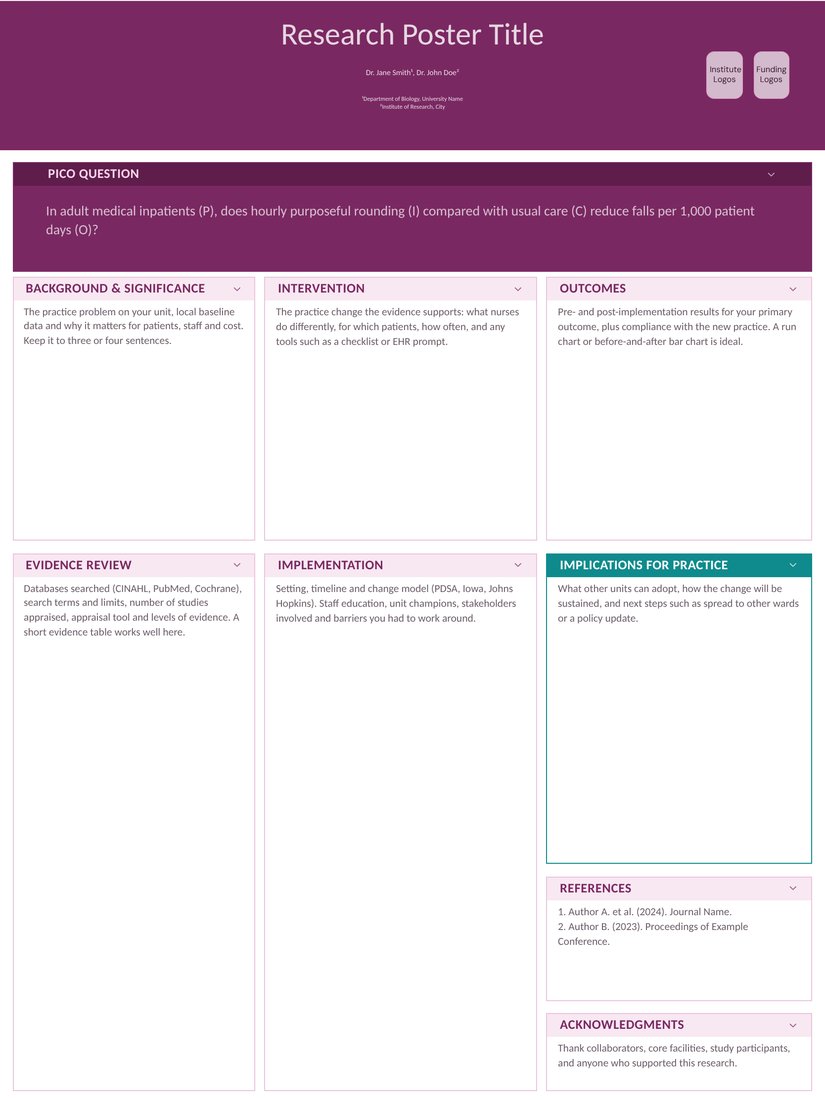
Nursing Practice (Free)
Designed at 36 x 48 and reflows to 24 x 36. Keeps the PICO banner on top; switch to two columns in the editor if your evidence table needs more width.
-
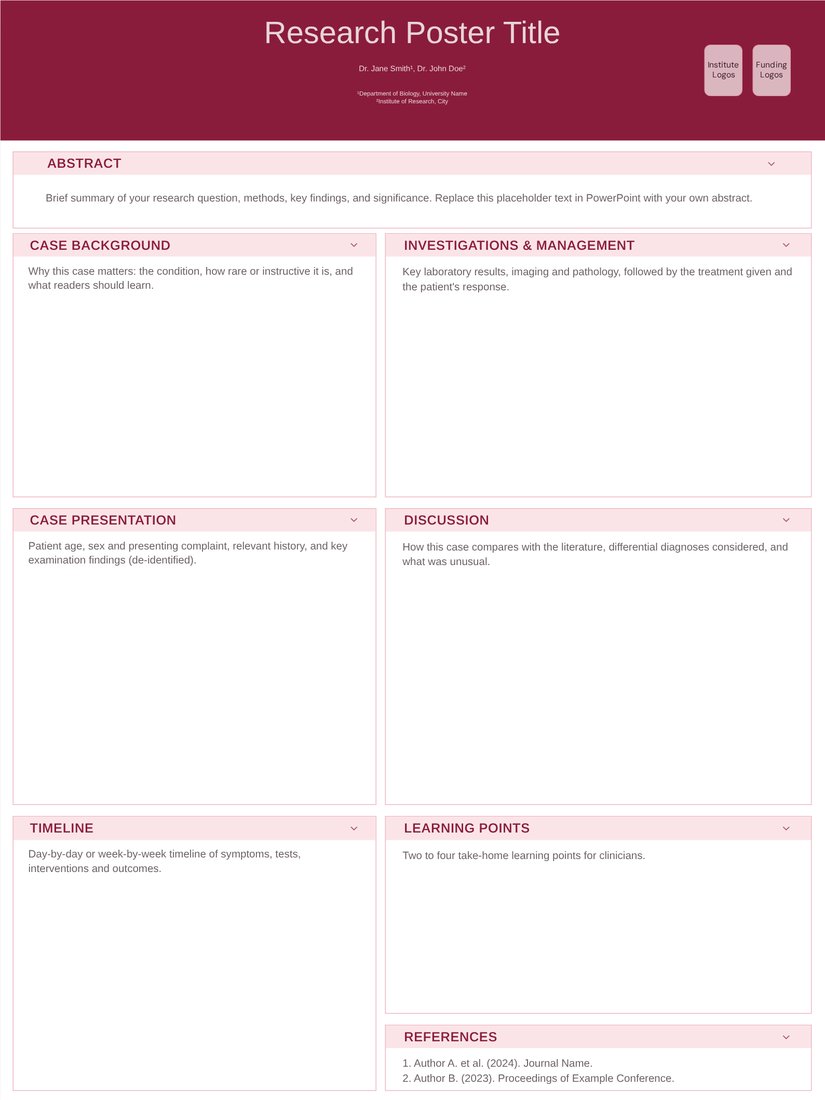
Case Report (Free)
Two columns with a timeline box. A single clinical case fits comfortably on 24 x 36.
-
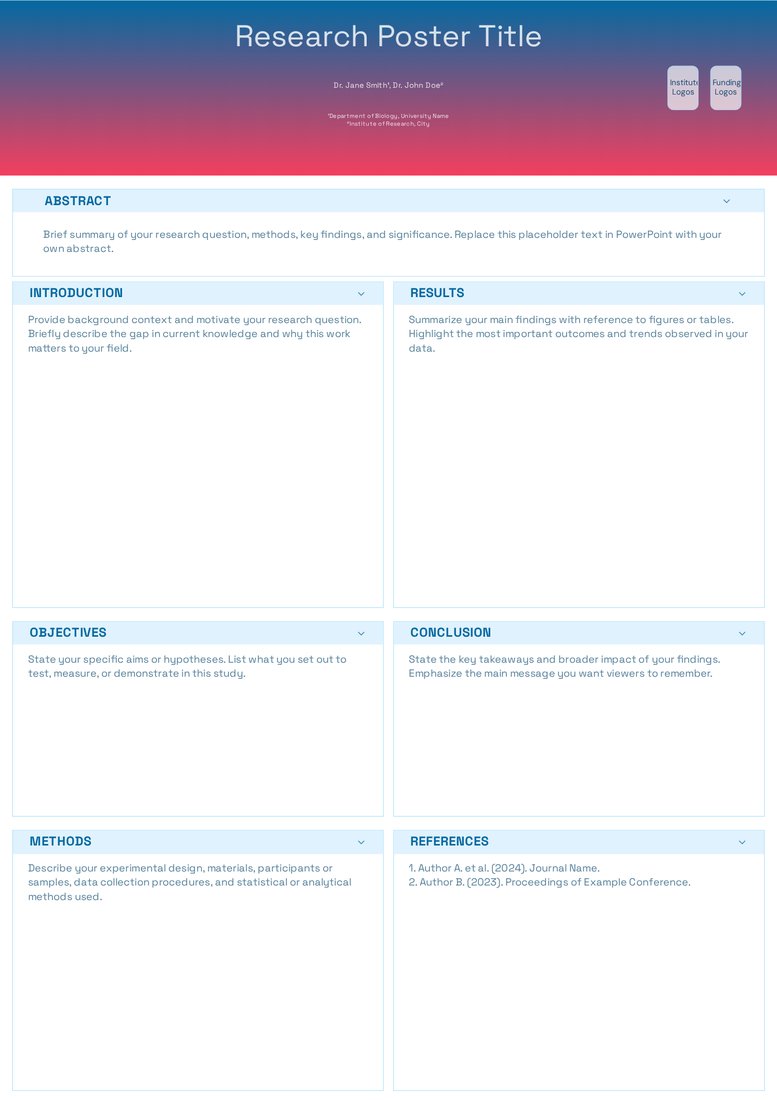
Student Symposium (Free)
Two columns, seven sections and large default type: a quick route to a clean classroom or research-day poster.
Who asks for 24 x 36
This size is common at undergraduate research days, school and college science fairs, hospital and nursing poster days, library displays and smaller regional meetings. It also suits venues that use tabletop easels or hang several posters on one 4 x 8 ft board.
24 × 36 in is a standard print and frame size in the US (the same as an ARCH D drawing), so frames, foam boards and tubes for it are easy to find.
Layout and font sizes for 24 x 36
- Use two columns of about 11.5 in. Three columns of about 7.5 in only work for short text.
- Type: title 72–90 pt, section headings 36–44 pt, body 24–28 pt, captions 18 pt or more. Do not drop below 24 pt body text just to fit more words.
- Aim for 400–600 words and two or three figures, about half of what a 36 x 48 poster holds.
- The 2 : 3 shape is tall and slim, so keep the title to two lines and put the key result in the top half.
Printing and mounting
24 x 36 prints on a 24 in roll, so almost every print shop and campus plotter can produce it without trimming. It is cheap enough to print on foam board or laminate for an easel.
Set the true size from the start rather than designing on a default PowerPoint slide and scaling up, so type and images keep their sharpness.
Frequently asked questions
Is 24 x 36 portrait or landscape?
Portrait: 24 in wide and 36 in tall. The landscape version is 36 x 24.
What is 24 x 36 inches in centimetres?
60.96 × 91.44 cm, usually rounded to 61 × 91 cm (610 × 914 mm).
Is 24 x 36 the same as A1?
No. A1 is 594 × 841 mm (23.4 × 33.1 in), so 24 x 36 is 16 mm wider and 73 mm taller, with a slightly slimmer 2 : 3 shape. Print an A1 file on 24 x 36 paper with a margin rather than stretching it.
Is 24 x 36 big enough for a conference poster?
For student days and small meetings, yes. If the call for posters allows 36 x 48 or A0, use the larger size: 24 x 36 has half the area of 36 x 48.
What font size should a 24 x 36 poster use?
Body text of 24–28 pt, headings of 36–44 pt and a title of 72–90 pt.