42 x 56 inch research poster: size, layout and template
Quick answer
What size is a 42 x 56 poster?
A 42 x 56 poster is 42 inches wide and 56 inches tall (106.7 × 142.2 cm), a 3:4 portrait. It is the largest 3:4 size that PowerPoint opens at full size, because 56 inches is PowerPoint's slide limit. Use three or four columns, body text of 28–36 pt and a title of 100–130 pt, and print on a 42- or 44-inch roll.
A 42 x 56 inch poster (106.7 × 142.2 cm) is a large portrait: 42 inches wide and 56 inches tall, with the same 3 : 4 shape as 36 x 48 but about 17% bigger in each direction. It is used when the board is taller than 4 ft and the rules allow more than the usual 36 x 48.
56 inches is PowerPoint's maximum slide size, so 42 x 56 is the largest 3 : 4 portrait you can keep as a full-size PowerPoint file. Open it in the editor below, or download a free PowerPoint file already set to 42 × 56 in.
Open a 42 x 56 in poster · Open 56 x 42 landscape
Free PowerPoint downloads
- Field Ecology, 42 × 56 in (.pptx)
- Chemistry Lab, 42 × 56 in (.pptx)
- Clinical Audit, 42 × 56 in (.pptx)
- Poster Session, 56 × 42 in landscape (.pptx)
Editable .pptx with the slide set to the real poster size. One click, no sign-in.
42 x 56 at a glance
| Width × height | 42 × 56 in (106.7 × 142.2 cm, 1067 × 1422 mm) |
|---|---|
| Orientation | Portrait (56 x 42 is the landscape version) |
| Aspect ratio | 3 : 4 (0.75), the same as 36 x 48 |
| Area | 16.3 sq ft (1.52 m²), 36% more than 36 x 48 |
| PowerPoint | Exactly at the 56 in slide limit, so it still opens at full size |
| Nearest other size | 36 x 48 keeps the same shape and is 6 in narrower and 8 in shorter |
| Board fit | Needs a board at least 42 in wide and 56 in (4 ft 8 in) tall |
Templates that suit 42 x 56
-
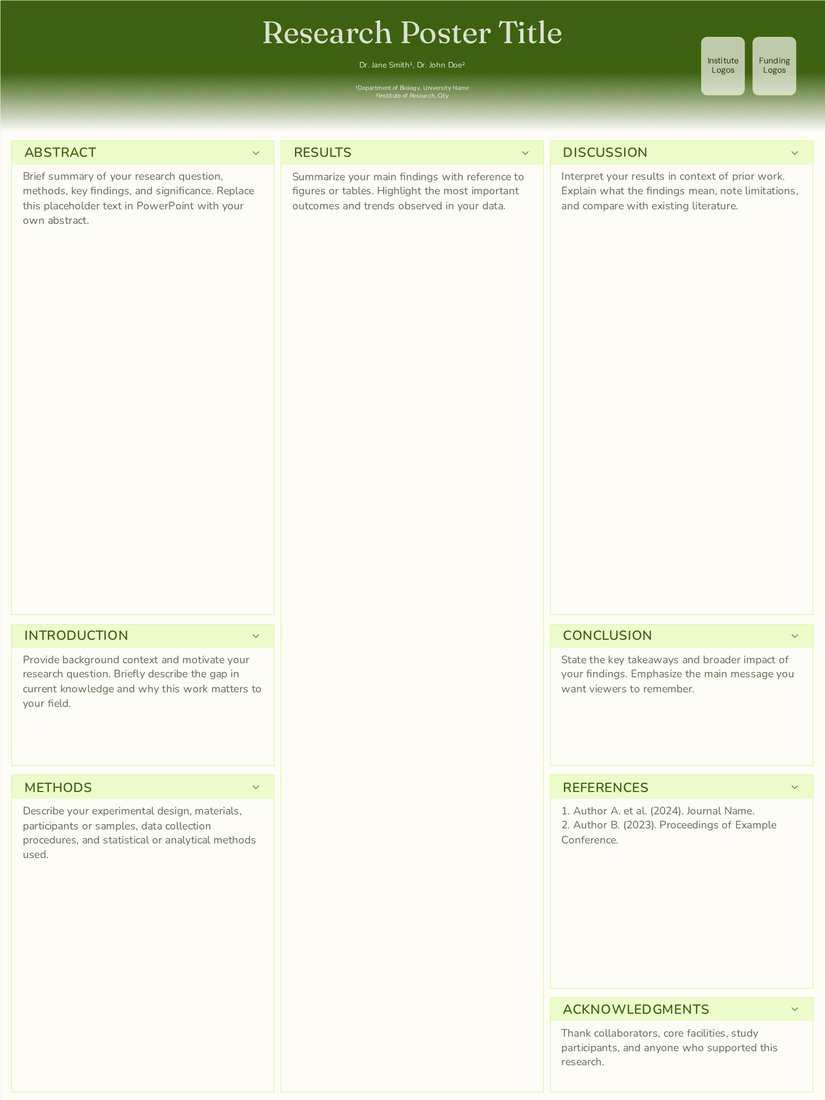
Field Ecology (Free)
Three columns with a full-height centre for a site map and results. At 42 x 56 each column is about 13 in wide.
-
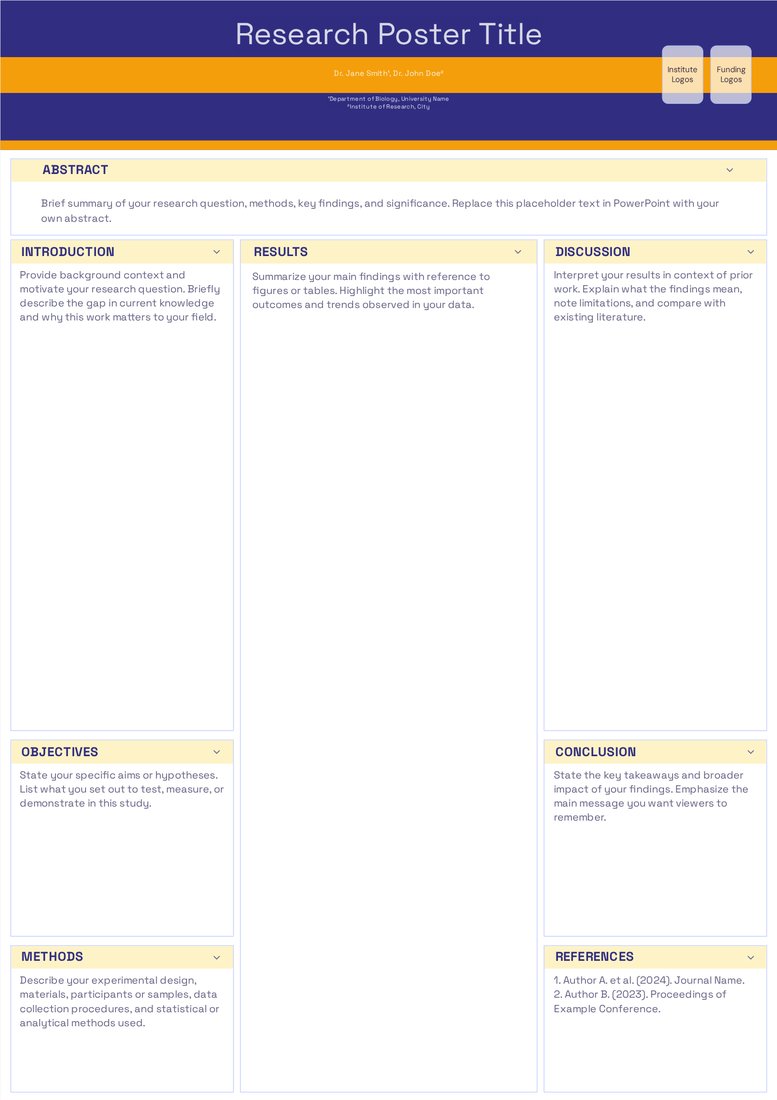
Chemistry Lab (Free)
Three columns in indigo and amber. The extra height lets synthesis schemes and spectra run large.
-
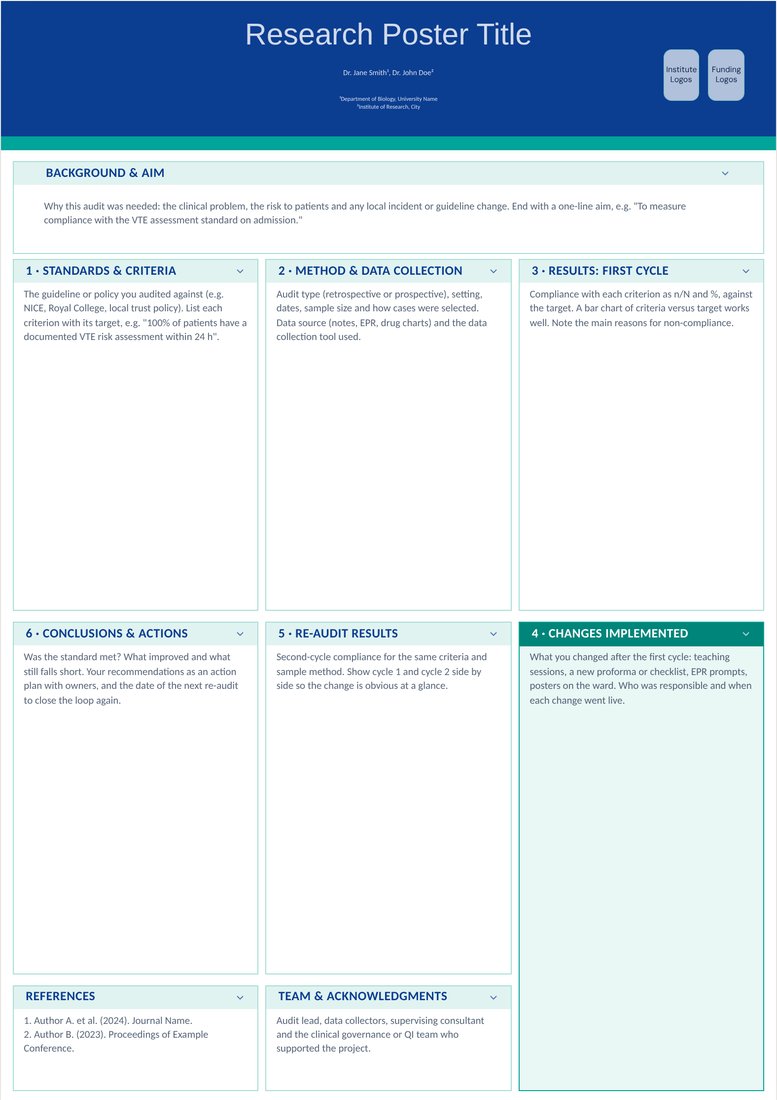
Clinical Audit (Free)
Six numbered audit steps in two rows. At this size every box is big enough for a full chart of cycle 1 or cycle 2 results.
When to choose 42 x 56
Choose 42 x 56 when the instructions allow a poster up to 42 in wide and the board is tall, for example a 4 ft wide panel that is 6 ft or more high, or a whole 4 x 8 ft board used upright for one presenter. It suits data-heavy work, multi-site studies and posters with several large figures.
Do not choose it just because it is bigger. A 56 in tall poster will not fit a 4 ft high board, and if the limit is 36 x 48 the organisers may ask you to take it down. Check both numbers in the call for posters; width is usually listed first.
Layout and font sizes for 42 x 56
- Three columns of about 13 in, or four of about 10 in for figure-heavy posters.
- Type: title 100–130 pt, section headings 48–64 pt, body 28–36 pt, captions at least 22 pt. That is the 36 x 48 range scaled up by about 17%.
- On a tall board the top of the poster can sit above 6 ft. Put the title and key result in the top third, and keep references and logos in the bottom strip.
- Spend the extra area on bigger figures rather than more text; 800–1,000 words is still a sensible maximum.
Printing 42 x 56
42 x 56 prints without seams on a 42 in or 44 in roll, which most large-format print shops stock. Fabric prints fold into a suitcase; a paper print needs a tube at least 44 in long.
Because the long side is exactly 56 in, PowerPoint opens the file at full size and co-authors can edit the final version. Anything taller, such as 48 x 64, goes past PowerPoint's limit.
Frequently asked questions
What is 42 x 56 inches in centimetres?
106.68 × 142.24 cm, usually written as 107 × 142 cm (1067 × 1422 mm).
Is 42 x 56 portrait or landscape?
Portrait: 42 in wide and 56 in tall. The landscape version is 56 x 42.
Can PowerPoint handle a 42 x 56 poster?
Yes. PowerPoint's largest slide is 56 × 56 in, so 42 × 56 fits exactly and the free PowerPoint downloads open at full size.
How much bigger is 42 x 56 than 36 x 48?
About 17% bigger in each direction and 36% bigger in area (16.3 sq ft against 12 sq ft). The proportions are the same, so a 36 x 48 layout scales up without changes.
What font size should a 42 x 56 poster use?
Body text of 28–36 pt, headings of 48–64 pt and a title of 100–130 pt.