An Adobe Express alternative for research posters
Quick answer
Is Adobe Express good for research posters?
Adobe Express is a quick, template-led design app that is strong for flyers, social posts and visually led posters, with access to Adobe Stock images and Adobe Fonts. For a conference research poster, PosterScientist is more specialised: templates with academic sections, standard board sizes and a native PowerPoint file that supervisors and co-authors can edit. Choose Express for design-led outreach and PosterScientist for structured research.
Adobe Express, formerly Adobe Spark, is Adobe's browser and mobile app for fast graphics, with a large template library and the Adobe asset libraries. Many researchers come across it through a university Creative Cloud licence.
PosterScientist is built only for academic posters. Below is a fair comparison, when Express is the better tool, and how to move a poster from one to the other.
Browse free poster templates · Open the editor
PosterScientist vs Adobe Express at a glance
| Feature | PosterScientist | Adobe Express |
|---|---|---|
| Main purpose | Academic and conference posters | Quick graphic design: social posts, flyers, posters and short videos |
| True print-size canvas | Yes: A0, A1 and A2 plus inch sizes such as 36 × 48, 48 × 36 and 42 × 42 in, or a custom size | Custom sizes are supported; check the units and limits for large-format printing |
| Research poster templates | Every template is a research poster, including case report, clinical trial and engineering layouts | General poster and flyer templates, mostly for events and marketing |
| Section reflow | Yes, in the editor | Manual placement, with layout and resize tools |
| Editable .pptx export | Yes: native PowerPoint at the real poster size | Exports PDF and image files; PowerPoint is not its main format |
| Images, fonts and icons | None built in; add your own figures | Adobe Stock images, Adobe Fonts and icons, with more on the premium plan |
| Collaboration | Share the downloaded .pptx | Invite others to edit and comment |
| Brand kits | Included in Pro Lifetime: colours, fonts and logos in one click | Brand features on premium plans |
| Price model | Free templates, editor and PowerPoint downloads; Pro Lifetime is a one-time payment for 7 premium designs and brand kits | Free plan plus a premium subscription; included in some Creative Cloud plans |
Templates for design-conscious posters
-
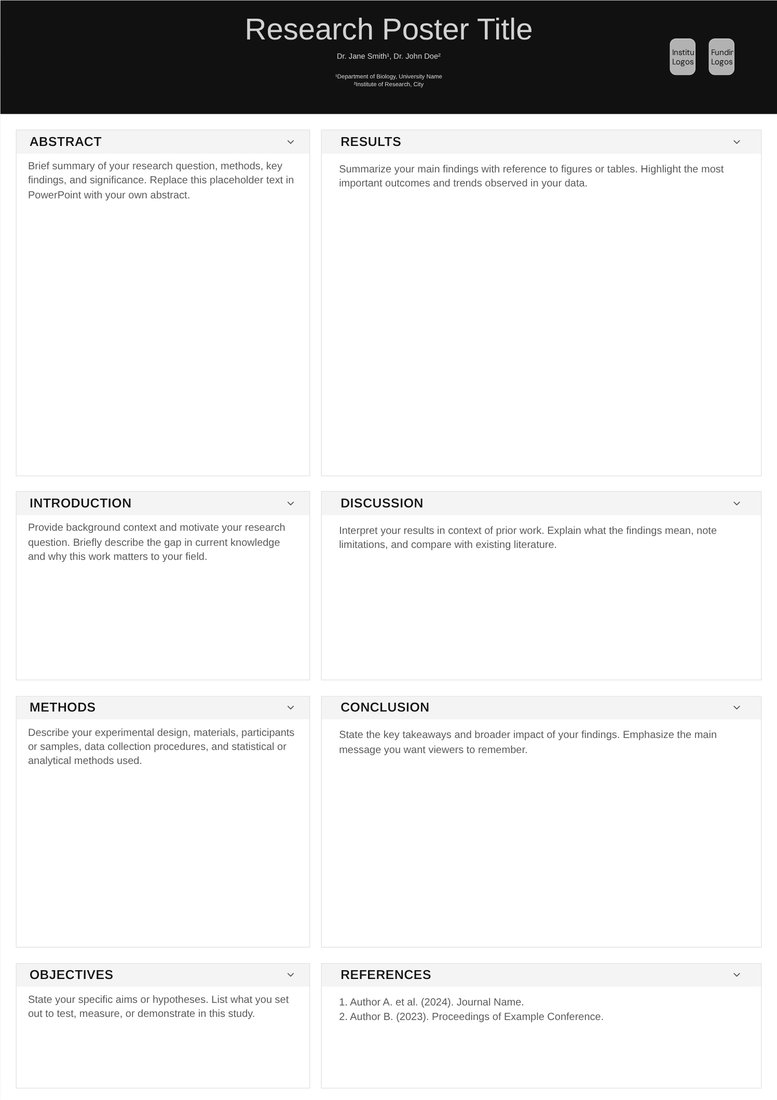
Minimal Ink (Free)
Free. Black, white and one red accent with generous white space, for a clean, designed look without decoration.
-
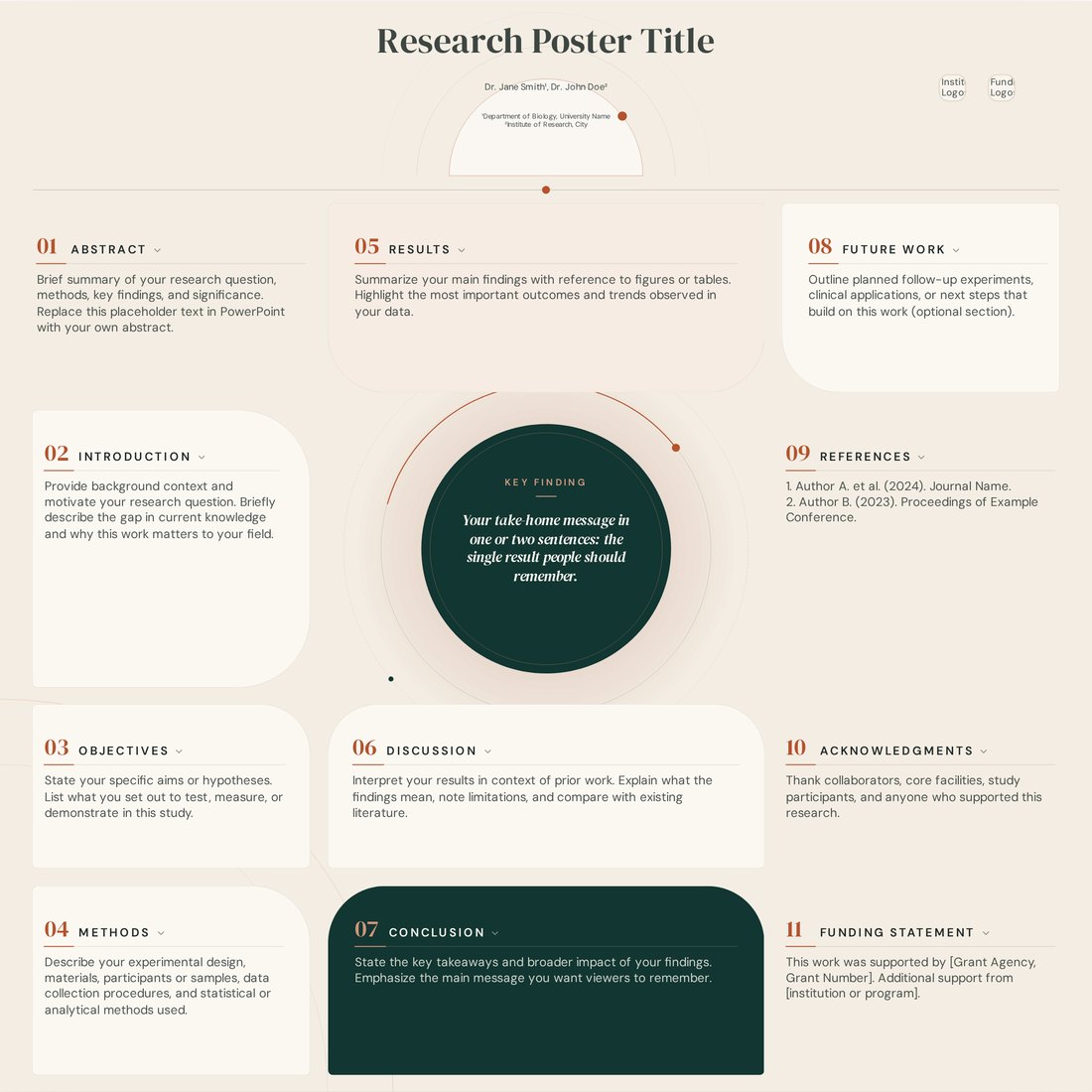
Atelier (Pro)
Pro. An editorial, magazine-style layout with curved cards around a circular key finding, for posters that should look designed rather than templated.
When Adobe Express is the better choice
- Public engagement and event posters where imagery and typography lead.
- Turning your poster's message into social media posts, a flyer or a short video.
- When your university licence includes Express premium and your communications team shares brand templates there.
- When you work in Photoshop or Illustrator and want assets to move between Adobe apps.
When PosterScientist is the better fit
- A conference poster at a set board size that must follow an introduction, methods, results and conclusions structure.
- A PowerPoint file that your supervisor or co-authors will edit.
- Free PowerPoint downloads without an account or a subscription.
How to move a poster from Adobe Express
- Download the design from Express as a PDF for reference.
- Open a PosterScientist template at your conference size and match the columns and section names.
- Download the .pptx and paste your text into the matching boxes.
- Re-insert figures and logos from their original files rather than screenshots.
- Export a PDF from PowerPoint and check it at 100% zoom before printing.
Using both
A practical split: build the research poster in PosterScientist and PowerPoint, then use Express to make a social media card or a flyer that points to it with a QR code. The SVG export from the PosterScientist editor also opens in Illustrator if you want to restyle the layout there.
Frequently asked questions
Is Adobe Express free?
Adobe Express has a free plan and a premium plan, and premium features are included in some Creative Cloud subscriptions. Check Adobe's website for current details.
Does PosterScientist work with Adobe Illustrator?
Yes. With a free account, the editor exports SVG files that open in Illustrator, Inkscape and Affinity Designer, as well as PowerPoint files.
Does PosterScientist include stock photos?
No. Add your own figures and photos in PowerPoint. For stock imagery and illustration, tools like Adobe Express or Canva are better suited.
Which tool is better for a conference research poster?
PosterScientist, if you need a structured poster at an exact board size and a PowerPoint file. Adobe Express, if the poster is design-led outreach or part of a wider campaign.
How much does PosterScientist cost?
The editor and all free templates cost nothing, and free templates download as editable PowerPoint files without signing in. Exporting a customised poster from the editor needs a free account. Pro Lifetime is a one-time payment ($29 launch price, regular $149; ₹1,999 in India) for 7 premium templates and brand kits, with no subscription.