LaTeX beamerposter or PosterScientist for your research poster?
Quick answer
Should I make my research poster in LaTeX?
Use LaTeX (beamerposter, tikzposter or similar) if the poster is equation-heavy, your paper is already in LaTeX, or you want a version-controlled, reproducible build; the output is a vector PDF. Use PosterScientist if co-authors need to edit in PowerPoint, you prefer visual layout to code, or time is short. Equations can still go into PowerPoint as images or with its equation editor.
beamerposter is a LaTeX package that scales the beamer presentation class up to poster sizes such as A0, so a poster can be written in the same language as the paper. Together with classes like tikzposter and community themes, LaTeX remains popular for mathematics, physics, computer science and engineering posters.
PosterScientist takes the opposite approach: visual templates and a PowerPoint file. This page compares them fairly and explains how to bring LaTeX content across if you switch.
Browse poster templates · Physics Minimal template
PosterScientist vs LaTeX beamerposter at a glance
| Feature | PosterScientist | LaTeX (beamerposter) |
|---|---|---|
| Way of working | Visual editor, then PowerPoint | Plain-text source compiled to PDF |
| True print-size canvas | Yes: A0, A1 and A2 plus inch sizes such as 36 × 48, 48 × 36 and 42 × 42 in, or a custom size | Yes: A0 to A4 presets or a custom width and height |
| Research poster templates | Visual templates with academic sections | Community themes (for example Gemini) and templates on Overleaf |
| Section reflow | Yes: sections repack automatically in the editor | Columns and blocks flow from the source; fine positioning needs manual tweaks |
| Equations | Not built in; use PowerPoint's equation editor or LaTeX-rendered images | Native, publication-quality mathematics |
| References | Typed or pasted text | BibTeX or BibLaTeX from your existing .bib file |
| Editable .pptx | Yes: native PowerPoint | No; the output is a PDF |
| Collaboration | Share the .pptx; anyone with PowerPoint can edit | Git or Overleaf; co-authors need to know LaTeX |
| Learning curve | Minutes | Steep if you are new to LaTeX; easy if your group already has a theme |
| Price model | Free templates, editor and PowerPoint downloads; Pro Lifetime is a one-time payment for 7 premium designs and brand kits | Free and open source; Overleaf has free and paid plans |
Templates for equation-friendly posters
-
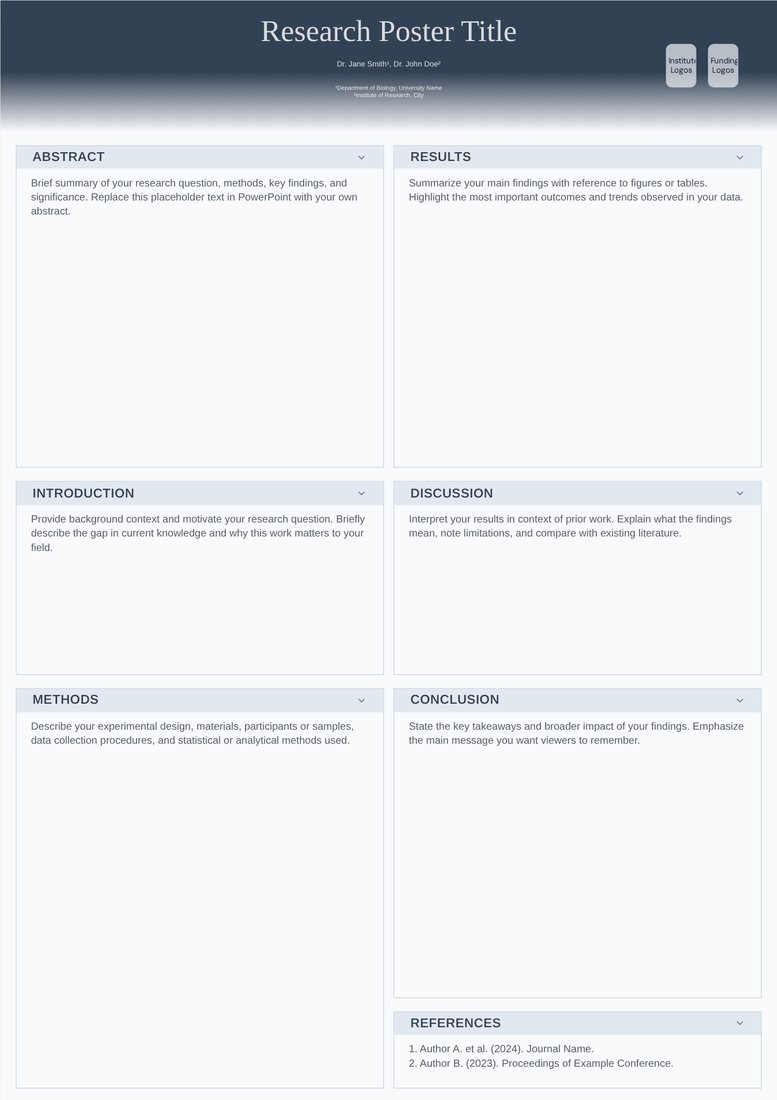
Physics Minimal (Free)
Free. Slate headings, a Palatino-style serif and two balanced columns with room for display equations; the closest in feel to a LaTeX poster.
-
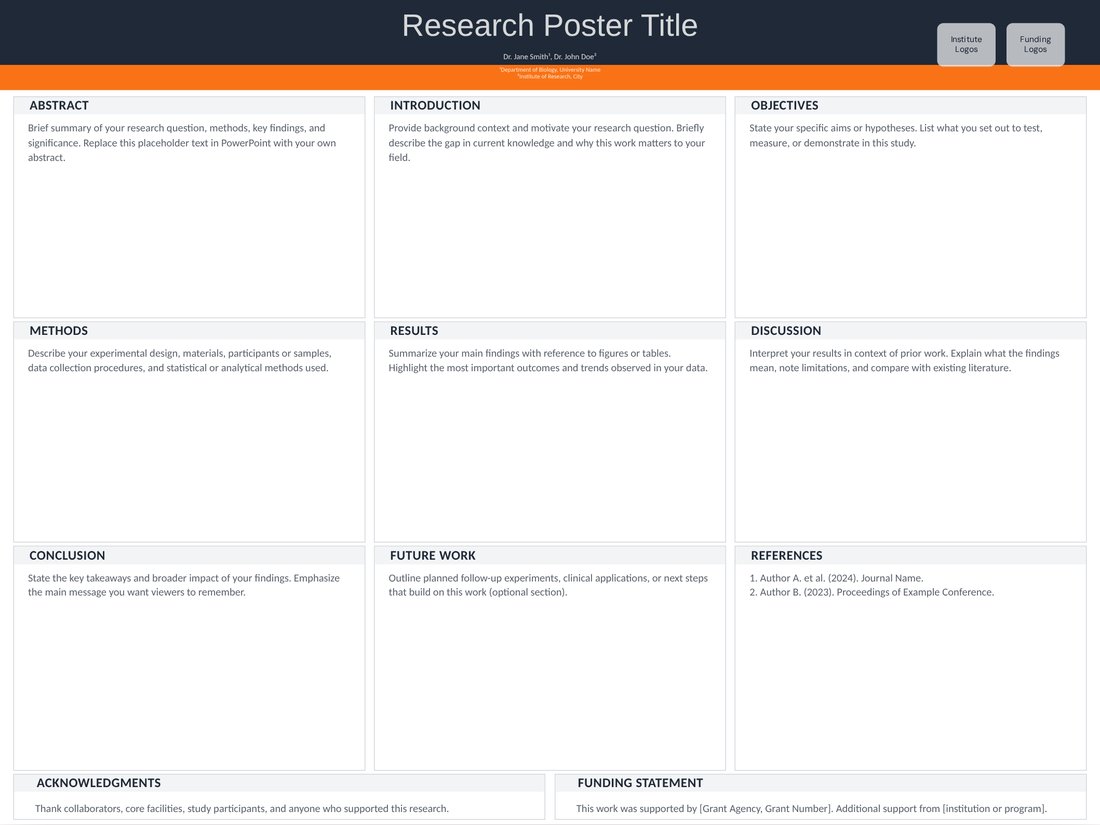
Engineering Grid (Free)
Free. A 3 × 3 landscape panel grid for systems and results, a common layout for computing and engineering posters.
When LaTeX is the better choice
- Equation-heavy posters in mathematics, theoretical physics, statistics or theoretical computer science.
- The paper is already in LaTeX and you want identical notation, figures and references.
- You want the poster under version control and rebuilt automatically when figures change.
- Your group already has a polished beamerposter or tikzposter theme.
When PosterScientist is the better fit
- Co-authors or supervisors who do not use LaTeX need to edit the poster.
- You want to try layouts, sizes and colours visually rather than by recompiling.
- The deadline is close and the poster has few equations.
A minimal beamerposter setup
For reference, a beamerposter document usually starts with \documentclass{beamer} and \usepackage[orientation=portrait,size=a0,scale=1.4]{beamerposter}, then places content in columns and block environments inside a single frame. Custom sizes use size=custom with a width and height in centimetres.
How to move a LaTeX poster to PosterScientist
- Open a template at the size in your conference instructions, set the columns to match your LaTeX layout and download the .pptx.
- Copy text from the .tex source and strip the LaTeX commands, or copy from the compiled PDF and fix the line breaks.
- Render key equations as SVG or high-resolution PNG (for example with the standalone document class) and insert them as pictures, or retype short ones in PowerPoint's equation editor.
- Re-export figures from their original scripts (matplotlib, ggplot2, or TikZ compiled to PDF) as vector files.
- Generate the reference list in your bibliography style and paste it in as text.
Typography tips in either tool
- Body text of 24–32 pt on an A0 poster.
- Number only the equations you refer to.
- Pair each equation with a plot or a sentence that shows what it means.
Frequently asked questions
What is beamerposter?
A LaTeX package that extends the beamer class to poster sizes (A0 to A4 or a custom size), scaling the fonts so a beamer document compiles to a large-format poster PDF.
Is LaTeX better than PowerPoint for posters?
For equation-heavy work and reproducible builds, often yes. For quick visual layout and editing by co-authors who do not use LaTeX, PowerPoint-based tools such as PosterScientist are usually faster.
Can I put LaTeX equations in a PosterScientist poster?
Yes. Render them to SVG or high-resolution PNG and insert them in the downloaded PowerPoint file, or use PowerPoint's built-in equation editor.
What about tikzposter and baposter?
They are other LaTeX poster classes with different layout models: tikzposter uses themed TikZ blocks, baposter uses positioned boxes. The comparison is the same: native maths and PDF output versus visual editing and PowerPoint files.
Can I convert a LaTeX PDF poster to PowerPoint?
Automatic conversion rarely keeps the layout editable. Rebuilding in a template and pasting in the text, equations and figures, as described above, is usually quicker and cleaner.