BioRender and PosterScientist: illustrations vs poster layout
Quick answer
Is PosterScientist an alternative to BioRender?
Only partly. BioRender is a scientific illustration tool with a large library of life-science icons and templates for figures and diagrams. PosterScientist has no illustration library; it builds the research poster itself, at conference print sizes, as an editable PowerPoint file. Many researchers draw figures in BioRender, check the licence terms of their plan, and place those figures on the poster.
BioRender is widely used in the life sciences to draw pathways, mechanisms, experimental timelines and graphical abstracts from ready-made scientific icons. PosterScientist is a poster layout tool: templates, sizes, columns and an editable PowerPoint file.
If you are looking for a BioRender alternative for posters, the honest answer is that the two do different jobs and combine well. Here is how they compare and how to use them together.
Browse poster templates · Biology poster templates
PosterScientist vs BioRender at a glance
| Feature | PosterScientist | BioRender |
|---|---|---|
| Main purpose | Laying out research posters | Creating scientific illustrations, diagrams and figures |
| Scientific icon library | None | Large library of life-science icons and illustration templates |
| True print-size canvas | Yes: A0, A1 and A2 plus inch sizes such as 36 × 48, 48 × 36 and 42 × 42 in, or a custom size | Not its main focus; check canvas size and export options on your plan before printing at A0 |
| Research poster templates | Every template is a research poster, with academic sections | Template library centred on figures, pathways and graphical abstracts |
| Section reflow | Yes, in the editor | Not applicable; elements are placed freely on the canvas |
| Editable .pptx export | Yes: native PowerPoint at the real poster size | Image exports for slides, papers and posters; formats and resolution depend on the plan |
| Publication rights | The poster file is yours to edit and print | Depend on the plan; check the terms before using figures in posters or papers |
| Price model | Free templates, editor and PowerPoint downloads; Pro Lifetime is a one-time payment for 7 premium designs and brand kits | Free plan with limits, plus paid individual and institutional plans |
Templates with room for BioRender figures
-
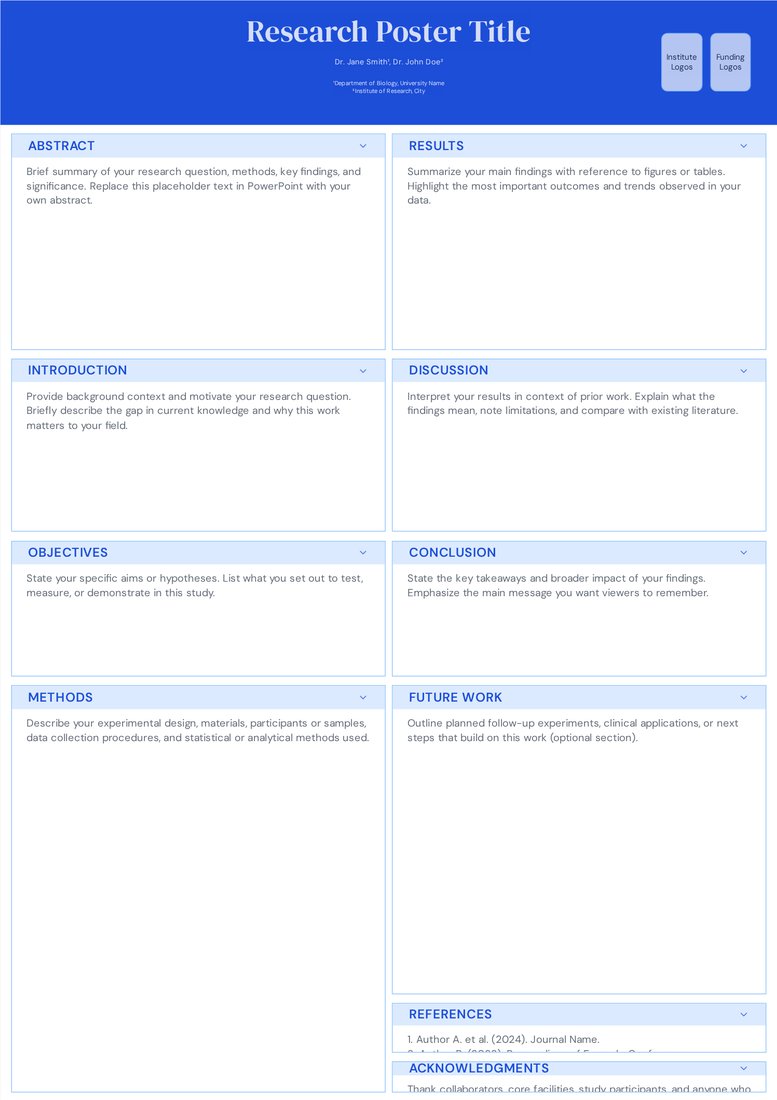
Classic Academic (Free)
Free. Two wide columns that take a full-width mechanism or pathway figure without shrinking it.
-
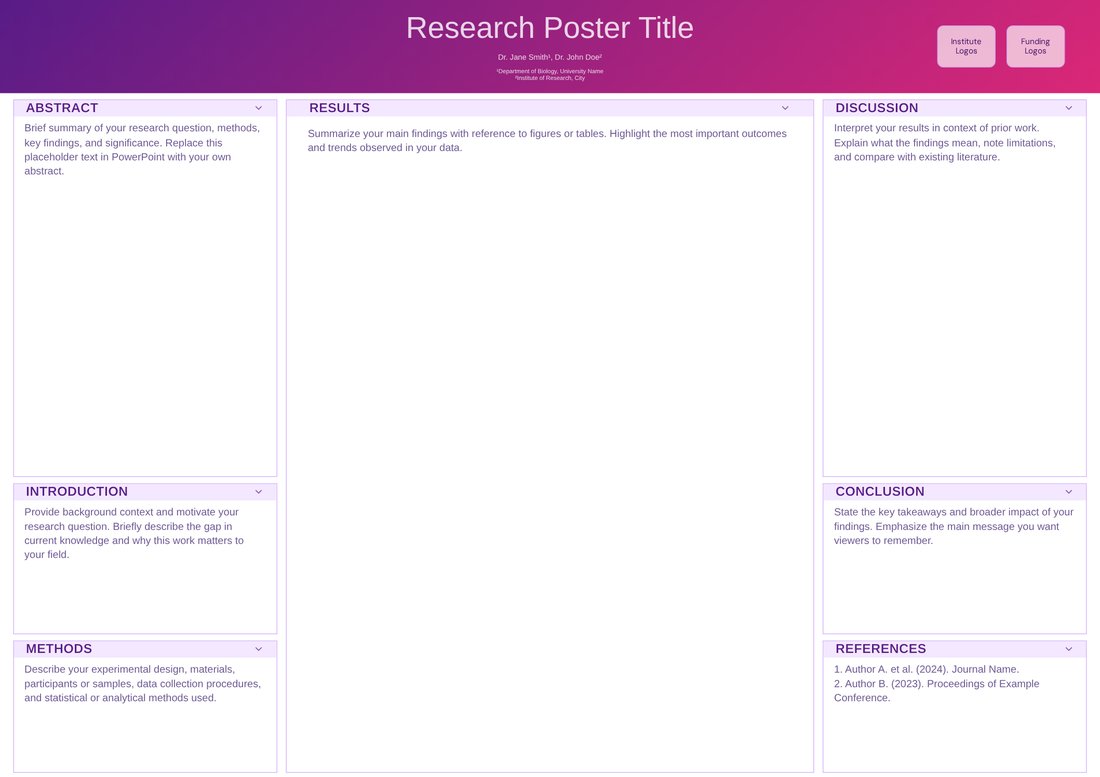
Neuroscience Wide (Free)
Free. A0 landscape with a double-width centre column for one large illustrated figure or graphical abstract.
When BioRender is the better choice
- Drawing cell biology, signalling pathways, mechanisms of action or experimental workflows from ready-made icons.
- Graphical abstracts and figure panels for papers.
- Keeping illustrations consistent across a paper, a talk and a poster.
- When your lab or institution already has a BioRender plan.
When you need PosterScientist as well
- You need the poster itself at an exact board size, with a title band, columns and sections.
- Co-authors or the print shop expect a PowerPoint or PDF file.
- You want free, one-click PowerPoint templates for biology and medicine without a subscription.
How to use BioRender figures on a PosterScientist poster
- Pick a template, such as Classic Academic or Neuroscience Wide, at your conference size and download the .pptx.
- Note the shape of the box the figure will fill and build the BioRender figure at that aspect ratio.
- Export at the highest quality your plan allows: vector if available, otherwise at least 300 dpi at the printed size.
- Insert it in PowerPoint with Insert > Pictures, keep the aspect ratio, and include any attribution your BioRender licence requires.
- Export a PDF and check the figure at 100% zoom before printing.
Figure tips for posters
- Use the same colour for the same entity in every figure.
- Label directly on the illustration rather than in a separate legend.
- Keep text inside figures at 24 pt or more at the printed size.
Frequently asked questions
Is BioRender free?
BioRender has a free plan with limitations and paid plans for individuals and institutions. Check the current plan details, especially publication rights, on BioRender's website.
Can I use BioRender figures on a conference poster?
Generally yes, within the terms of your plan. Check that your plan includes the rights you need and add any attribution the licence requires.
Does PosterScientist have scientific icons?
No. It provides poster templates and layout tools. Add your own figures and illustrations, from BioRender or elsewhere, in the downloaded PowerPoint file.
What resolution should a figure be for a poster?
Vector (SVG or PDF) is best. For images, aim for 300 dpi at the printed size; a figure printed 30 cm wide needs about 3,500 pixels across.
Which PosterScientist template suits biology figures?
Classic Academic for one or two large figures, Neuroscience Wide for a big multi-panel imaging figure, and Midnight Aurora (Pro) for several linked figures.