PosterScientist vs PowerPoint for research posters
Quick answer
Should I make my research poster in PowerPoint?
PowerPoint is fine for posters if you set the slide to the real print size first; its limits are manual layout and a maximum of 56 inches per slide side. PosterScientist is not a replacement but a starting point: pick a research template at your conference size, set the columns and sections, then download a native .pptx and finish the text and figures in PowerPoint.
PowerPoint is the most common poster tool in academia: nearly everyone has it, supervisors can comment in it and print shops accept PDFs exported from it. Its weak spot is the start, a blank slide in the wrong size with every box placed by hand.
PosterScientist fills that gap, and it produces a PowerPoint file, so this is less a contest than a question of where to begin. The table shows what each does well.
Download a free PowerPoint poster template · PowerPoint poster workflow
Free PowerPoint downloads
- Classic Academic, A0 portrait (.pptx)
- Classic Academic, 36 × 48 in portrait (.pptx)
- Classic Academic, 48 × 36 in landscape (.pptx)
Editable .pptx with the slide set to the real poster size. One click, no sign-in.
PosterScientist vs PowerPoint at a glance
| Feature | PosterScientist | PowerPoint on its own |
|---|---|---|
| True print-size canvas | Yes: A0, A1 and A2 plus inch sizes such as 36 × 48, 48 × 36 and 42 × 42 in, or a custom size; the slide is set for you | Yes, via Design > Slide Size > Custom Slide Size, up to 56 in per side |
| Research poster templates | Every template is a research poster, including case report, clinical trial and engineering layouts | Not focused on posters; most people start from a university template or a blank slide |
| Section reflow | Yes: changing columns or size repacks sections automatically in the editor | No: text boxes and shapes are placed and resized by hand |
| Editable .pptx | Yes: native .pptx with live text boxes and shapes | Native format |
| Figures and icons | None built in; you add your own figures | Inserts images, SVG and Excel charts; Microsoft 365 adds an icon and stock image library |
| Equations | Not built in | Built-in equation editor (Insert > Equation) |
| Collaboration | Share the downloaded .pptx | Comments, plus real-time co-authoring through OneDrive or SharePoint with Microsoft 365 |
| Price model | Free templates, editor and PowerPoint downloads; Pro Lifetime is a one-time payment for 7 premium designs and brand kits | Part of Microsoft 365 or Office, often provided by universities; a free web version works with a Microsoft account |
Templates that are easiest to finish in PowerPoint
-
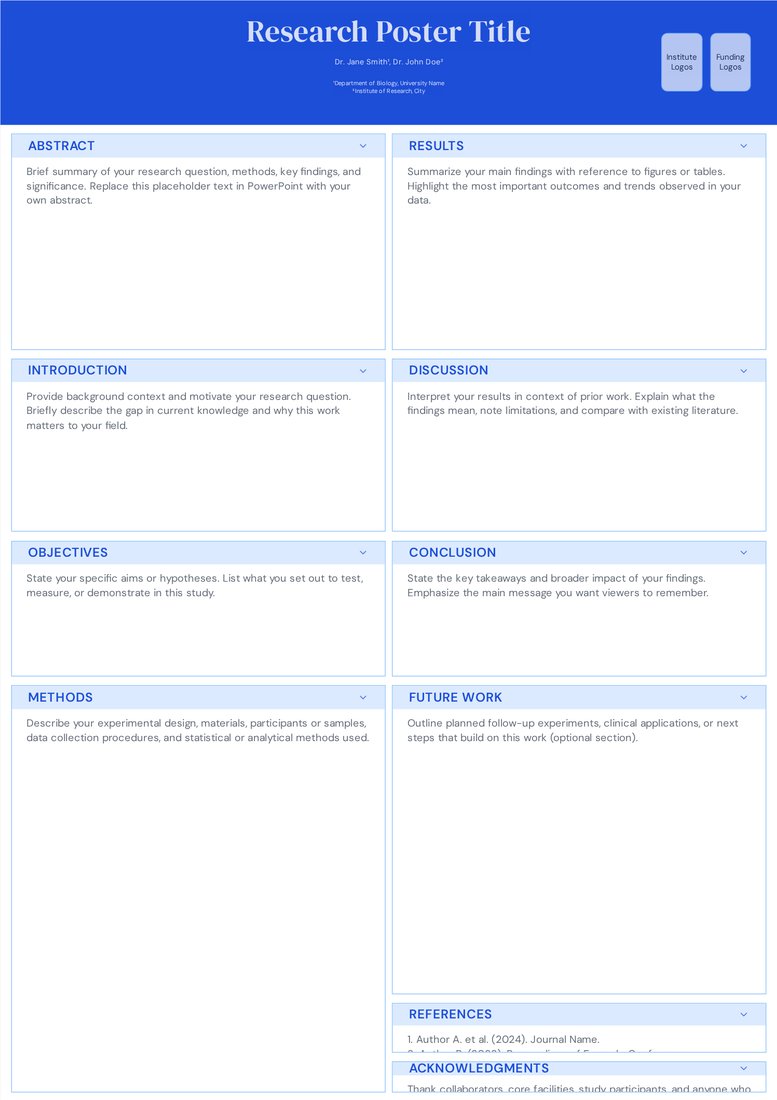
Classic Academic (Free)
Free. Simple rectangles and text boxes, so co-authors can edit it in PowerPoint without breaking anything.
-
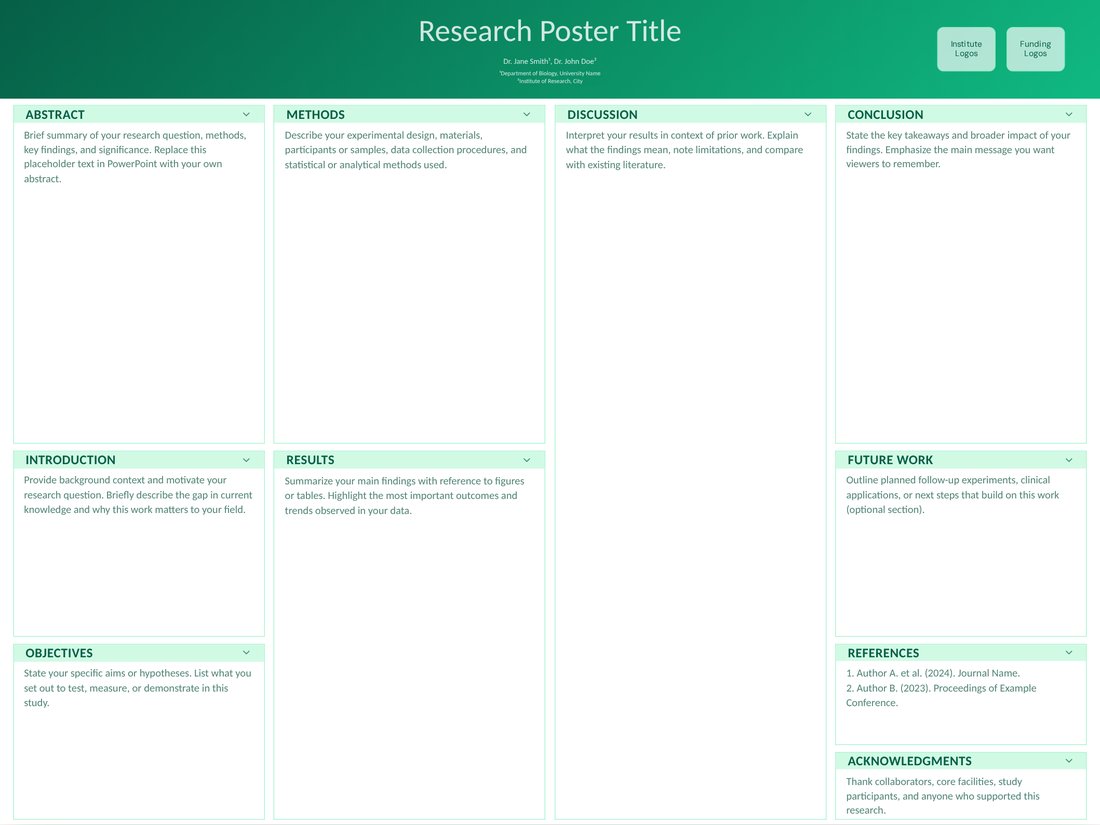
Poster Session (Free)
Free. A four-column 48 × 36 in landscape layout, the size many North American meetings use.
When PowerPoint alone is enough
- Your department requires its own branded PowerPoint poster template.
- You are updating last year's poster with new results.
- You need charts linked to Excel data or the equation editor while you lay out the poster.
- You are comfortable setting the slide size, guides and alignment yourself.
Why start in PosterScientist and finish in PowerPoint
- The slide is already the right physical size for the board, so nothing has to be scaled at the print shop.
- Columns, margins and section boxes are aligned; you replace the placeholder text and add figures.
- You can try column counts, sizes and colour themes in seconds before committing to one.
- The result is an ordinary .pptx that opens in PowerPoint and Keynote; Google Slides can import it but struggles with very large page sizes.
PowerPoint limits to know about
- The maximum slide size is 56 × 56 in (142.24 cm). For larger posters, build at exactly half size and print at 200 percent.
- Image compression can blur figures: turn it off in File > Options > Advanced > Image Size and Quality.
- Fonts missing on the print shop's computer change line breaks, so embed fonts or send a PDF.
How to move an existing PowerPoint poster over
- Note your current poster size and column count.
- Open a PosterScientist template at the same size, set the columns, rename the sections to match and download the .pptx.
- Copy text from your old file and paste it with Paste Special > Keep Text Only so it takes on the new styles.
- Re-insert figures from their original files, then export a PDF for printing.
Frequently asked questions
Is PosterScientist a replacement for PowerPoint?
No. It sets up the poster (size, layout, sections and colours) and gives you a native PowerPoint file. Most people finish the text and figures in PowerPoint.
What is PowerPoint's maximum poster size?
56 inches (142.24 cm) per side. For a 72 × 36 in poster, design at 36 × 18 in and ask the printer to scale it to 200 percent.
Do I need PowerPoint to use the downloads?
You need an app that opens .pptx files, such as PowerPoint, Keynote, LibreOffice Impress or the free PowerPoint for the web. Do final layout checks in PowerPoint or Keynote.
Are the PowerPoint templates free?
Yes. Free templates download as .pptx in one click with no sign-in. Exporting a customised poster from the editor needs a free account, and the 7 premium designs need Pro Lifetime, a one-time payment.
Can I add equations to the poster?
Yes, in PowerPoint with Insert > Equation after you download the file. PosterScientist itself has no equation tool.