Engineering poster templates for capstone, design and research projects
Quick answer
What should an engineering poster include?
An engineering poster explains the problem, the requirements as measurable targets, the design concept and why it beat the alternatives, how the system works (usually a block diagram or CAD render), how it was tested, and results compared with each requirement. It ends with conclusions, limitations and next steps, and credits the team, advisor and any sponsor in the header or footer.
Engineering posters tell a design story: a need, the requirements it creates, the options considered, the design that was built and the evidence that it works. Judges at capstone expos and engineering conferences look for that thread, and for numbers: targets, measured performance and the gap between them.
The free Engineering Grid template lays nine panels across a 48 × 36 in landscape board so each panel can be one stage of the story; Dark Conference suits computing and electronics posters in dim halls. Blueprint is a Pro option that looks like an annotated technical drawing.
Open Engineering Grid · See an engineering example
Free PowerPoint downloads
- Engineering Grid, 48 × 36 in landscape (.pptx)
- Engineering Grid, 56 × 42 in landscape (.pptx)
- Engineering Grid, A0 landscape (.pptx)
- Engineering Grid, 36 × 24 in landscape (.pptx)
Editable .pptx with the slide set to the real poster size. One click, no sign-in.
Example: a requirements verification table
| Requirement | Target | Measured | Met? |
|---|---|---|---|
| Mass | < 2.0 kg | 1.8 kg | Yes |
| Battery life | > 8 h | 7.2 h | No: next revision uses a larger cell |
| Unit cost | < $150 | $132 | Yes |
| Detection range | ≥ 5 m | 6.1 m (mean of 10 trials) | Yes |
Templates for engineering posters
-
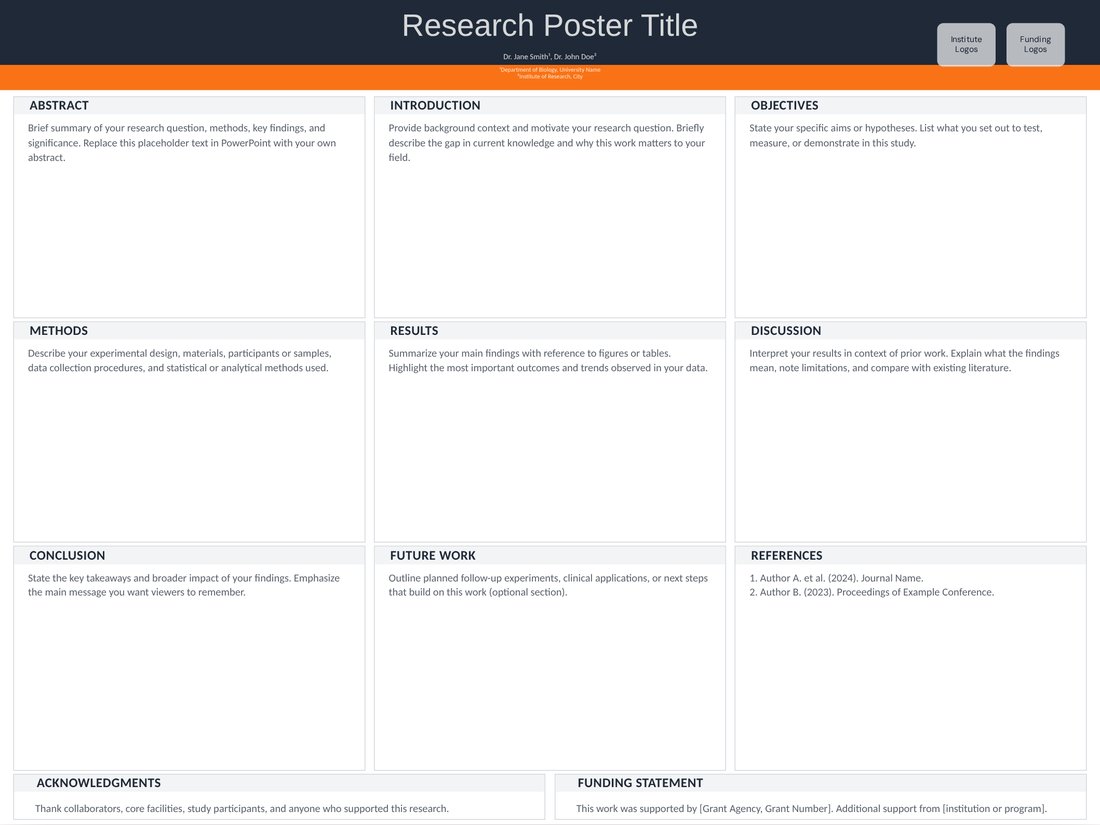
Engineering Grid (Free)
Free. A 3 × 3 panel grid in steel grey and safety orange; rename panels to stages such as Requirements, Concept, Design, Prototype, Testing and Results.
-
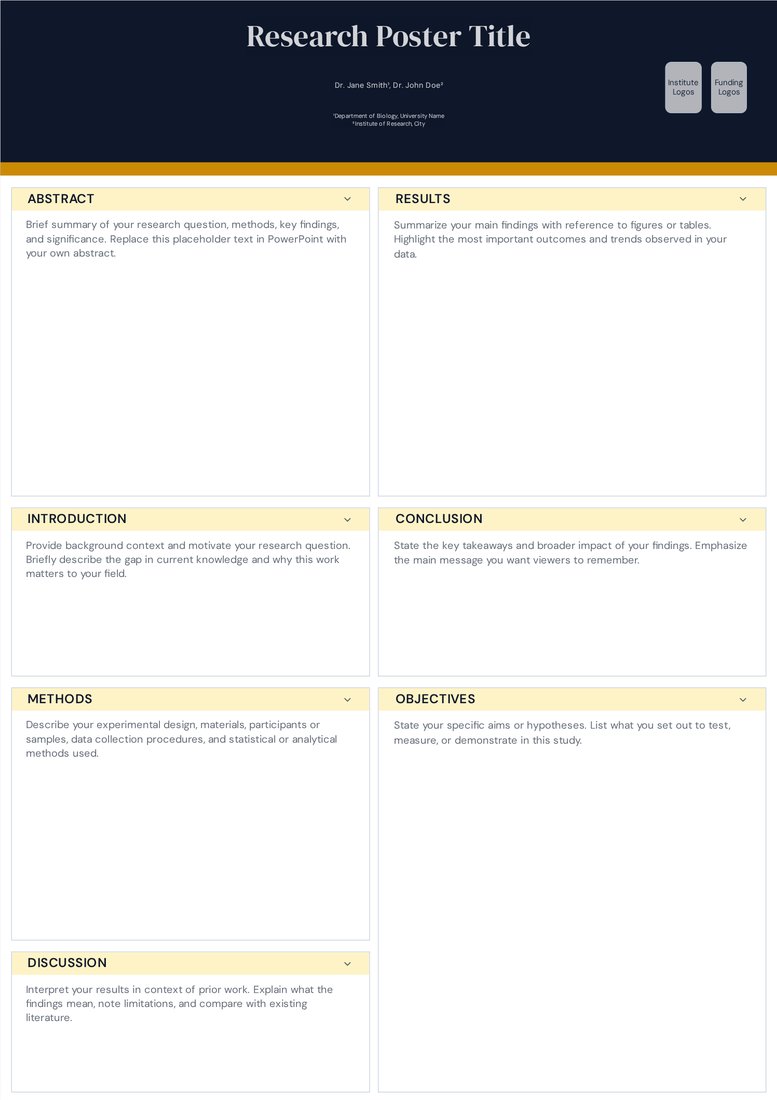
Dark Conference (Free)
Free. Near-black header with amber section labels; the wide right column suits benchmark charts for computing and electronics projects.
-
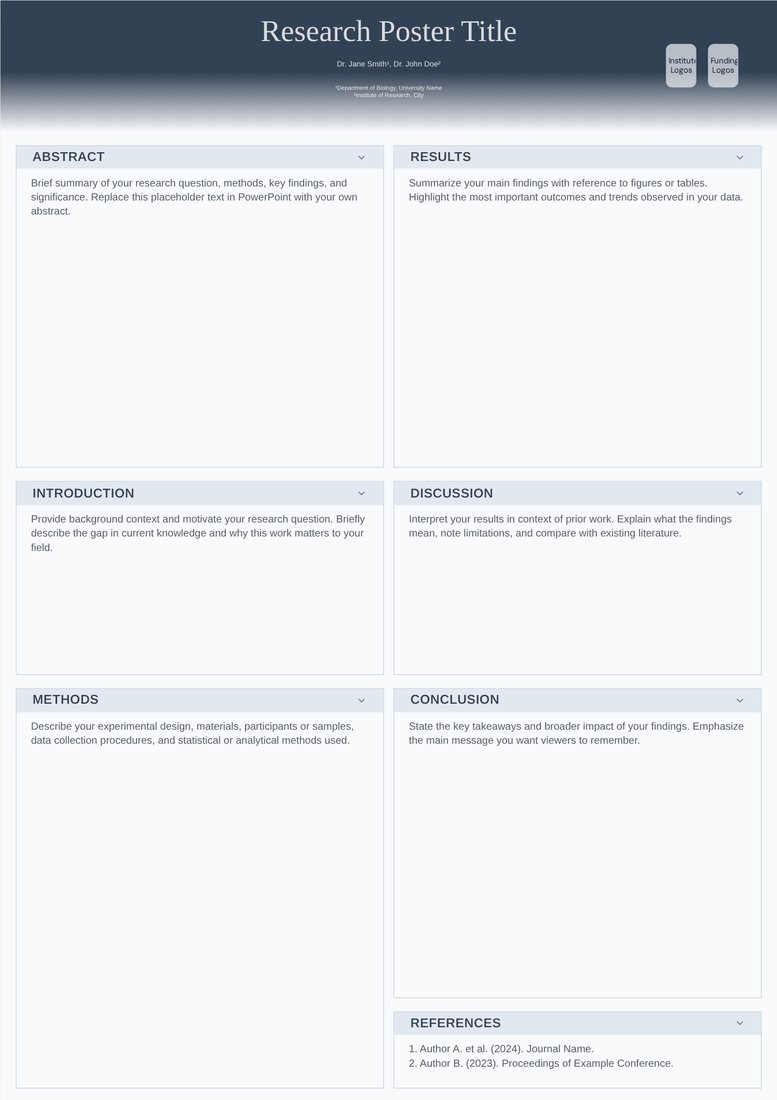
Physics Minimal (Free)
Free. A quiet two-column layout with room for display equations; good for modelling, controls or theory-heavy work.
-
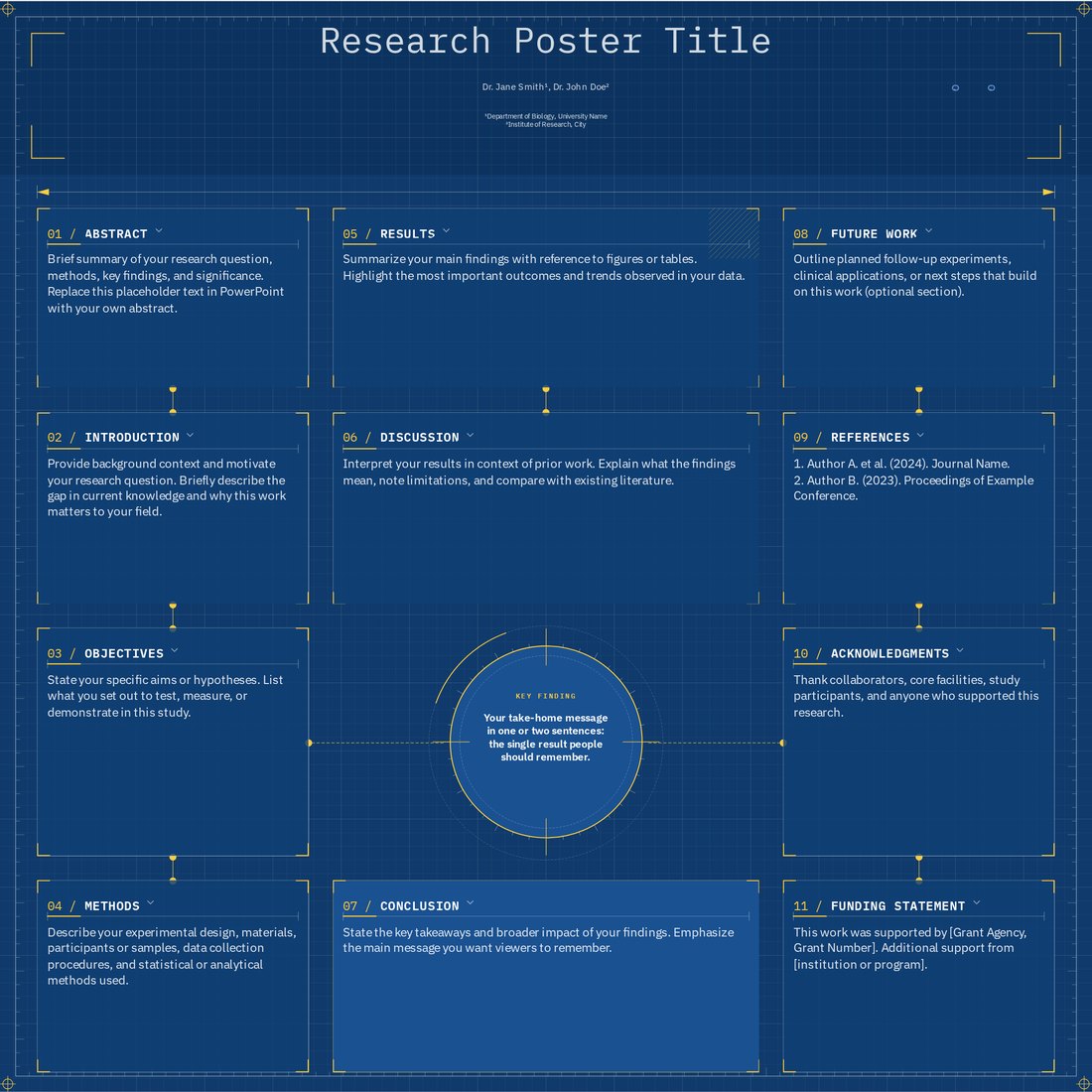
Blueprint (Pro)
Pro. An engineering-blue grid with a ruler border and connector lines that stay attached to sections, so the flow from design to test is drawn on the poster.
The design-build-test structure
- Problem and need: who has the problem, why existing solutions fall short, and the sponsor or client if there is one.
- Requirements and constraints: measurable targets and the standards or regulations that apply.
- Concept selection: the alternatives you considered and a decision matrix showing why one won.
- Design: a system block diagram, CAD render or circuit schematic with the key parameters labelled.
- Prototype: photos of the build and what changed from the design.
- Testing and validation: the test for each requirement and the measured result, as in the table above.
- Conclusions and future work: which requirements were met, which were not and what you would change.
Show results against requirements
The most useful table on an engineering poster lists each requirement, its target, the measured value and whether it passed. It answers the judges' first question in seconds. Include uncertainty or the number of trials where you can, and use SI units consistently, with imperial units in brackets if your audience expects them.
Charts should compare against something: the target, a baseline design or a commercial reference. Highlight only the value that matters, for example with Engineering Grid's orange accent.
Computer science and software posters
- Show the architecture or pipeline as a diagram with inputs and outputs labelled.
- Name the dataset, the baselines and the metrics, and put the main comparison in one chart or a small table.
- Include an ablation or error analysis if space allows; it shows you understand why the system works.
- Add a QR code to the code repository, a demo video or the paper.
Capstone and senior design expos
- Check with your sponsor what may be shown; some projects involve confidential data or intellectual property, and sponsor logos may need approval.
- List every team member, the faculty advisor and the sponsor in the header.
- Bring the prototype or a video of it running: the poster explains, the hardware convinces.
- Rehearse a 90-second walkthrough that follows the panels in order.
What engineering conferences usually ask for
Engineering conferences and expos usually state the board size and orientation in the presenter instructions; landscape boards such as 48 × 36 in are common in North America, and A0 at European and international meetings. Some technical conferences ask for a short paper or extended abstract as well as the poster, and student competitions often score posters with a rubric covering problem definition, design process, testing and communication. Read the rubric before you name your panels.
Frequently asked questions
What is the best template for a capstone engineering poster?
Engineering Grid. Its nine landscape panels map onto the design-build-test story, and it is a free PowerPoint download at 48 × 36 in and every other listed size.
How do I present test results on an engineering poster?
Use a requirements table with the target, the measured value and pass or fail for each requirement, plus one chart that compares performance with the target or a baseline.
Can I put CAD drawings and schematics on the poster?
Yes. Export them as vector files (SVG or PDF) or as images at 300 dpi at the printed size, and insert them into the downloaded PowerPoint file.
Can I put equations on an engineering poster?
Yes. Add them in PowerPoint with Insert > Equation, or insert equations rendered from LaTeX as images. Keep them few and large; for equation-heavy work, see the LaTeX beamerposter comparison.
What size should an engineering poster be?
Use the size in your expo or conference instructions. 48 × 36 in landscape is common in North America and A0 elsewhere; any template opens at either size.