Poster Session Research Poster Template (Free)
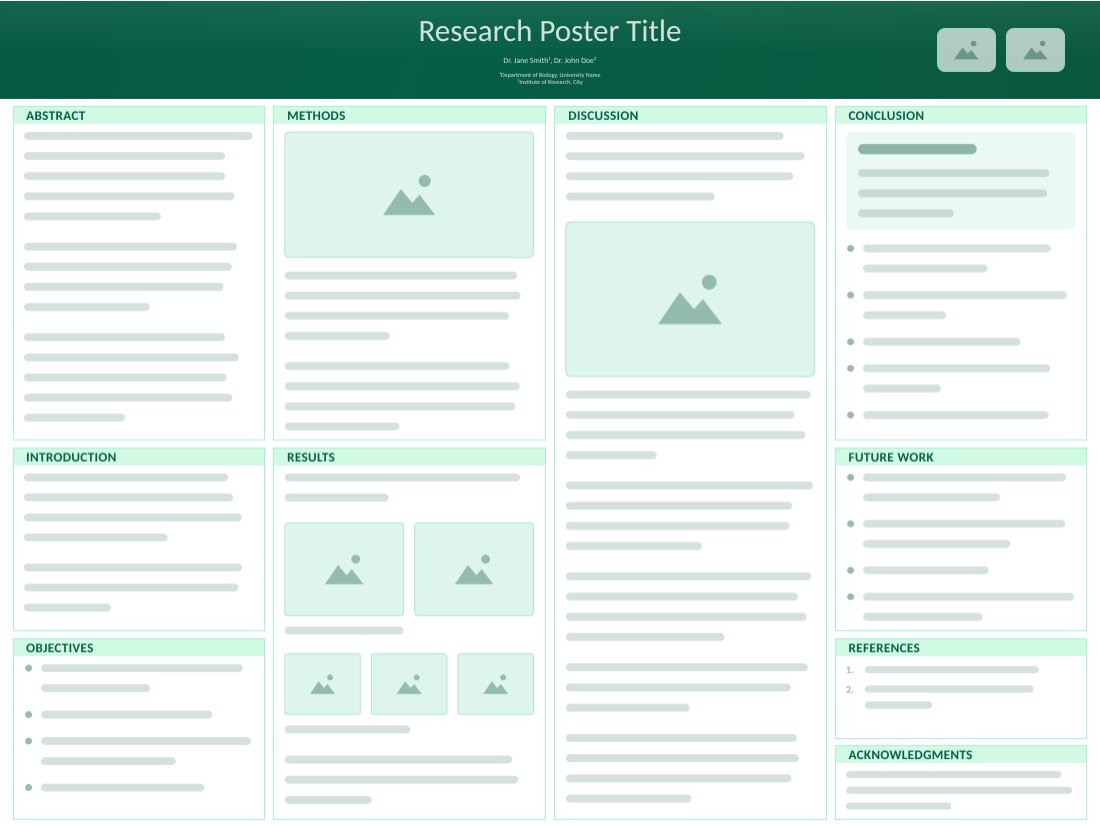
Free template. Field: General. Layout: 4 columns.
Poster Session is built for crowded halls: a tall emerald header with logos inside it, four columns and results placed in the centre two columns where eyes land first. Discussion gets a full-height column so you can talk through it while pointing.
Best for: General conference poster sessions with 48 × 36 inch landscape boards.
Size: 48 × 36 in landscape (122 × 91 cm, the most common US landscape size).
Download PPT (48 × 36 in). Free PowerPoint download, no sign-in. Or fill it in with the free online editor; your first export from the editor (PPTX or SVG) needs no account, and a free account keeps exports free after that.
Layout and sections
4 columns. Preview rendered in the editor at 48 × 36 in landscape; the layout reflows to every size.
- Abstract
- Introduction
- Objectives
- Methods
- Results
- Discussion
- Conclusion
- Future Work
- References
- Acknowledgments
Tips for this template
- Write the title as a finding, not a topic, so it works from three metres away.
- Keep the far-right column for conclusions and a QR code to the paper.
Download Poster Session PowerPoint by size
- Landscape
- 48 × 36 in .pptx | 56 × 42 in .pptx | 36 × 24 in .pptx | 48 × 24 in .pptx | 56 × 36 in .pptx
- Portrait
- 36 × 48 in .pptx | 42 × 56 in .pptx | 24 × 36 in .pptx | 36 × 56 in .pptx
- ISO portrait
- A0 portrait .pptx | A1 portrait .pptx | A2 portrait .pptx
- ISO landscape
- A0 landscape .pptx | A1 landscape .pptx | A2 landscape .pptx
- Square
- 42 × 42 in .pptx | 48 × 48 in .pptx
Similar templates
Related guides
- Research poster layout guide: Column grids, reading order and five layouts that reliably work.
- Anatomy of a great research poster: The parts every poster needs, word counts and how much space each one gets.