A PosterGenius alternative for scientific posters
Quick answer
Is there an alternative to PosterGenius?
Yes. PosterGenius is desktop software for Windows and Mac from SciGen Technologies, and its website says support ended on 1 January 2019, with no further updates, technical support or downloads. PosterScientist is a browser-based alternative: free research poster templates that download as editable PowerPoint files at A0, 36 × 48 in, 48 × 36 in and other sizes, plus a free online editor that lays out sections for you.
PosterGenius is desktop software built specifically for scientific posters. Its setup wizard asks for the poster size, authors, affiliations and section titles; its layout engine then arranges text and figures in columns, and it reports an optimal reading distance as you adjust the type.
PosterScientist takes a different route: research poster templates in the browser and native PowerPoint files that co-authors can edit anywhere. This page compares the two fairly, using PosterGenius's own website (checked November 2026) for its features, says where PosterGenius is still the better tool, and explains how to move an existing poster across.
Browse free poster templates · Open the editor
Free PowerPoint downloads
- Elegant Academic, A0 portrait (.pptx)
- Elegant Academic, 36 × 48 in portrait (.pptx)
- Elegant Academic, 48 × 36 in landscape (.pptx)
Editable .pptx with the slide set to the real poster size. One click, no sign-in.
PosterScientist vs PosterGenius at a glance
| Feature | PosterScientist | PosterGenius |
|---|---|---|
| Where it runs | In the browser on Windows, macOS, Linux and ChromeOS; nothing to install | Desktop application for Windows and Mac, installed and activated online |
| Support status | Actively developed; this page was updated in November 2026 | The vendor's site says support ended on 1 January 2019: no maintenance updates, technical support or product downloads |
| Layout | Sections repack automatically when you change columns, size or content | A wizard collects size, authors and sections; the layout engine arranges text and images in columns |
| Readability tools | Type scales with the poster size; no reading-distance indicator | Optimal reading distance index, and a poster optimizer that adjusts font size, line height and paragraph spacing to fill the poster |
| Templates | 36 research poster templates (29 free, 7 Pro), including case report, clinical trial and audit layouts | 100+ templates in categories such as Science, Medicine, Engineering, Nature and Art (vendor's figure) |
| Print sizes | Yes: A0, A1 and A2 plus inch sizes such as 36 × 48, 48 × 36 and 42 × 42 in, or a custom size; free templates download at 17 sizes | Set in the setup wizard, which can match a conference's published poster size |
| Files co-authors can edit | Native PowerPoint (.pptx) at the real poster size; free templates download without sign-in | PosterGenius's own poster files, edited in PosterGenius; licences are per computer |
| Screens and e-posters | No dedicated e-poster mode; export PowerPoint or SVG for screens | E-poster output for high-resolution plasma, LCD or LED displays |
| Price model | Free templates, editor and PowerPoint downloads; Pro Lifetime is a one-time payment for 7 premium designs and brand kits | One-time licence per computer; the store page lists single-computer, two-computer and site licences |
Two free templates to rebuild a PosterGenius poster in
-
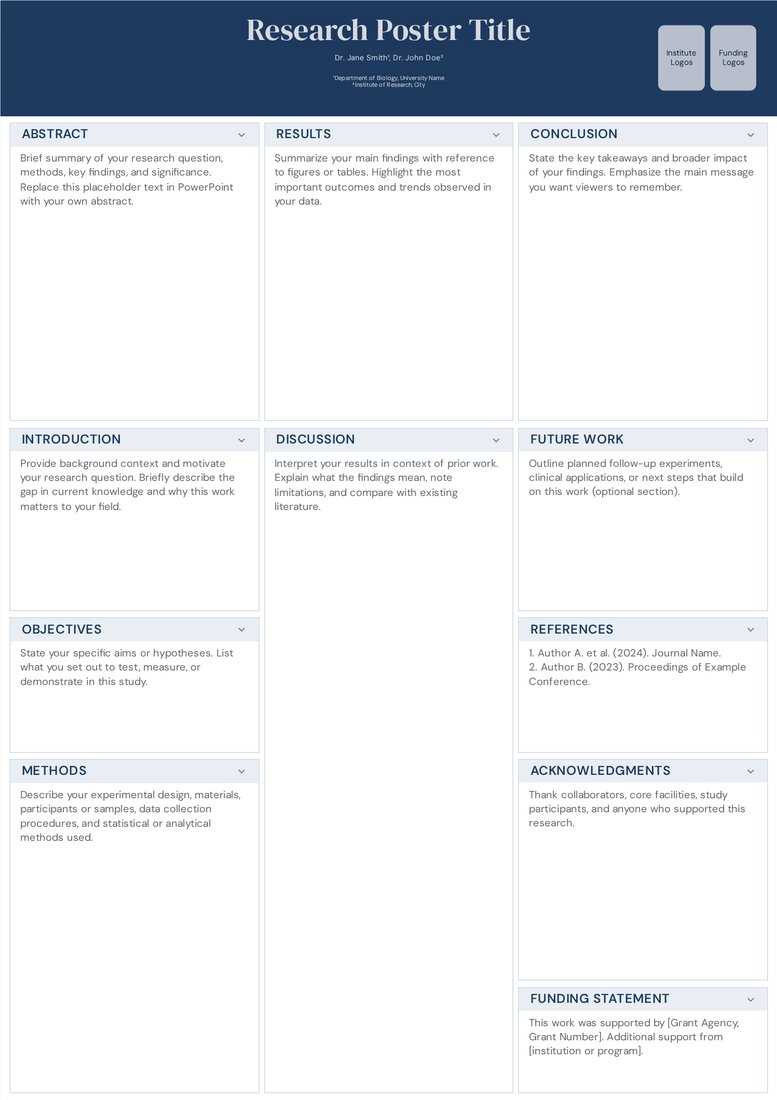
Elegant Academic (Free)
Free. Three even columns under a navy title band: a dependable default for an A0 portrait poster when you want a classic layout without designing one.
-
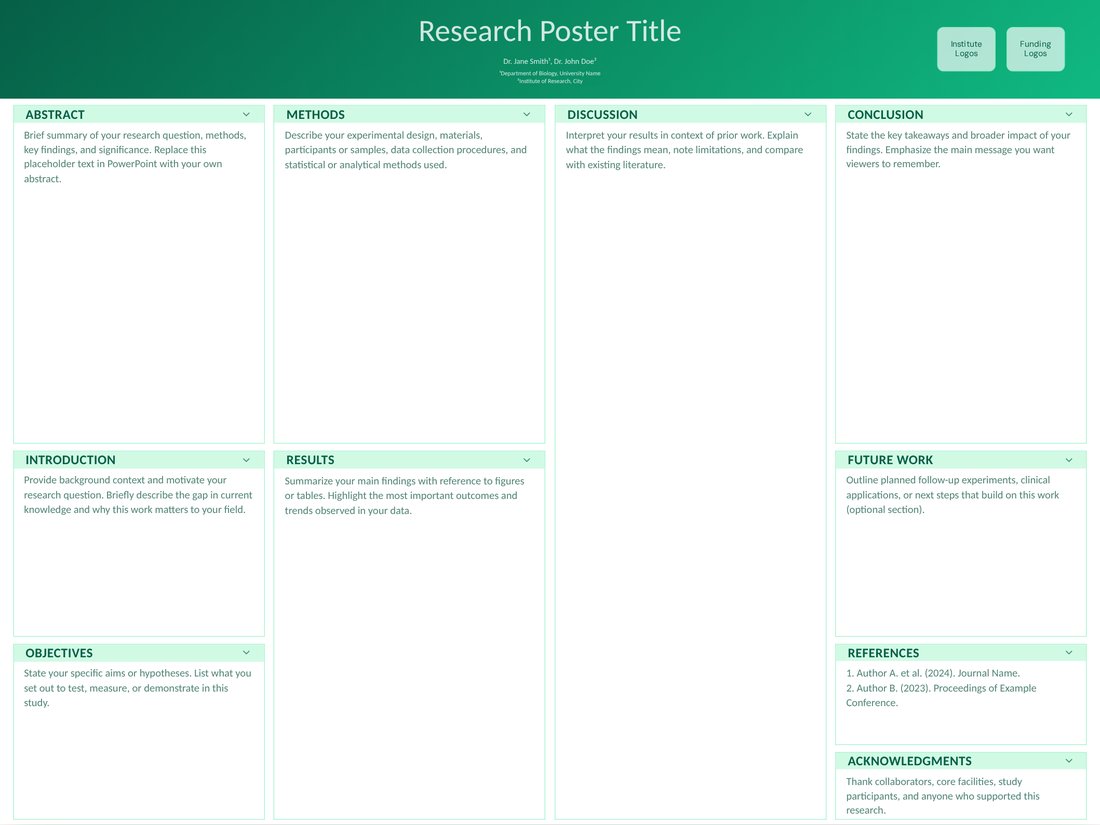
Poster Session (Free)
Free. Four columns at 48 × 36 in landscape with the results in the centre two, for North American landscape boards.
When PosterGenius is still a good choice
- You already have a licensed copy that runs on your computer and you are happy with its templates.
- You want the software to fit your content to the poster automatically and show a reading-distance estimate while you adjust the type.
- Your conference shows posters on screens and you want a dedicated e-poster output.
- You prefer a desktop program to a browser tool.
When PosterScientist is the better fit
- You need software that is still maintained and runs on a current computer, a Chromebook or a Linux machine without installing anything.
- Co-authors, supervisors or the print shop expect a PowerPoint file they can open and edit.
- You want a free template today: 29 free templates download as .pptx at any of 17 sizes with no account.
- Your poster follows a field convention, such as CARE for a case report, CONSORT for a trial or the audit cycle, and you want those sections ready-made.
What PosterScientist does not do (yet)
To be fair about the gaps: there is no reading-distance indicator and no PosterGenius-style automatic font fitting; type scales with the poster size, and you shorten text when a section overflows. There is no dedicated e-poster mode. The library is smaller (36 templates against PosterGenius's advertised 100+), and PosterScientist cannot open PosterGenius files.
How to move a PosterGenius poster to PosterScientist
- Keep a PDF or a printout of your current poster as a reference (most systems can print to PDF).
- Open a template at the size in your conference instructions, then set the columns and section titles to match your PosterGenius layout.
- Download the PowerPoint file and paste your text into the matching text boxes, section by section.
- Re-insert figures from their original files (SVG, PDF or 300 dpi images) rather than copying them out of the old poster.
- Check type at full size (body text 24–32 pt, headings 36–54 pt, a title of 85 pt or more on an A0 or 48 × 36 in poster), then export a PDF from PowerPoint for printing.
Readability without a reading-distance indicator
PosterGenius's reading-distance index estimates how far away a visitor can stand and still read your text. You can run the same check by hand: print one section at 100 percent on an office printer, pin it up and read it from two metres. If you cannot, cut words rather than shrinking the type.
Frequently asked questions
Is PosterGenius still supported?
According to its website, no: support for PosterGenius ended on 1 January 2019, and no further maintenance updates, technical support or product downloads are available. The tutorials and FAQs remain online. Check the vendor's site for the current position before you buy a licence.
Does PosterGenius work on a Mac?
PosterGenius was released for Windows and Mac, and the last requirements listed on its site are Mac OS X 10.6 Snow Leopard or later. Because the vendor no longer issues updates, check that it runs on your version of macOS. PosterScientist runs in any modern browser on macOS, Windows, Linux and ChromeOS.
Is PosterGenius free?
No. Its store page lists one-time licences per computer (single-computer, two-computer and site licences) rather than a free version or a subscription. PosterScientist's editor and free templates cost nothing.
Can PosterScientist open PosterGenius files?
No. Rebuild the poster in a template by pasting in the text and re-inserting the original figures, as described above. Because the template already has the sections and the print size, this is usually quicker than it sounds.
Is PosterScientist free?
The editor and all free templates cost nothing, and free templates download as editable PowerPoint files without signing in. Your first export of a customised poster from the editor needs no account; after that, a free account keeps exports free. Pro Lifetime is a one-time payment ($29 launch price, regular $149; ₹1,999 in India) for 7 premium templates and brand kits, with no subscription.
Related guides
- PosterGenius alternatives compared: PosterGenius, PowerPoint, Canva, BioRender, LaTeX and PosterScientist side by side.
- Typography for academic posters: Fonts, sizes and spacing that stay readable from across the aisle.
- Print-ready PDF checklist: Exact size, embedded fonts, sharp images and a final check before the file goes to the printer.